A private journal for your own herbs, recipes, batches and remedies. Offline, no account required.
Coming soon
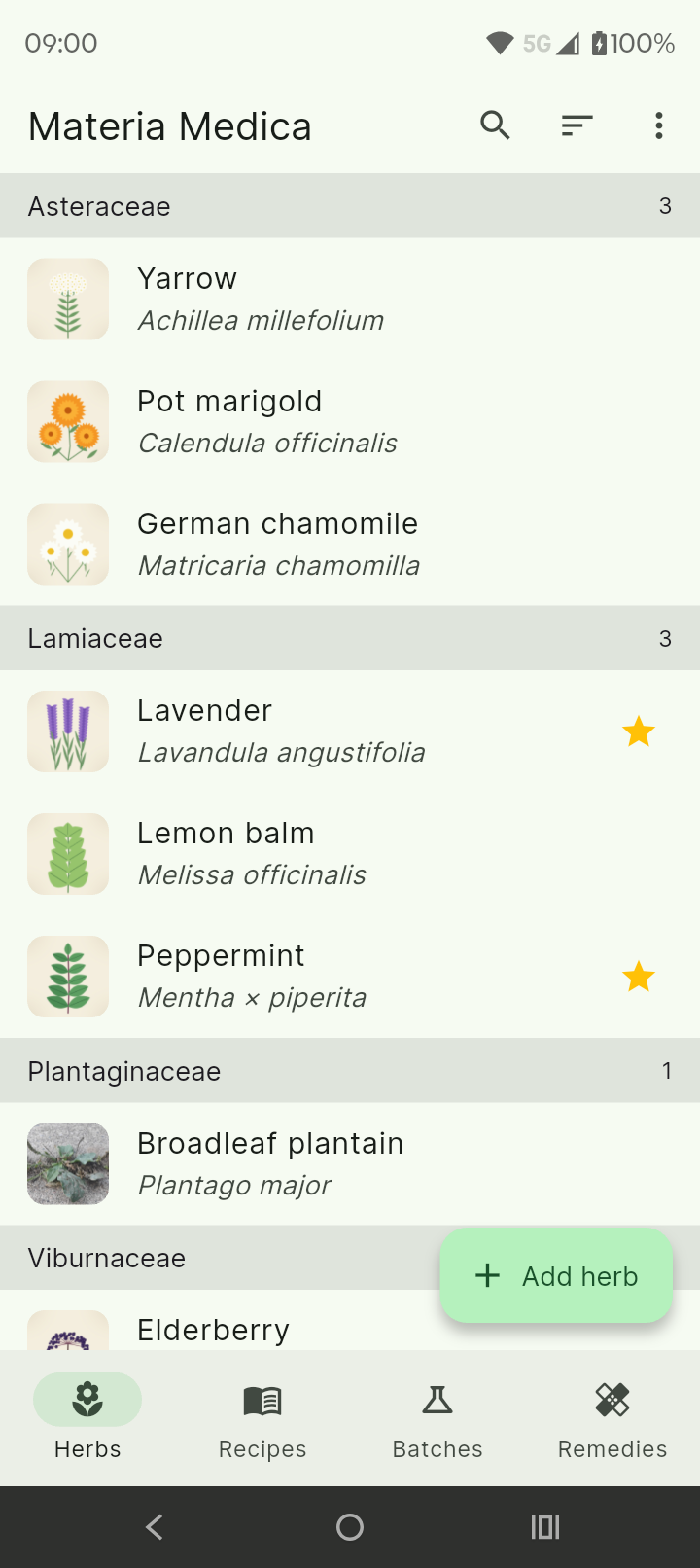
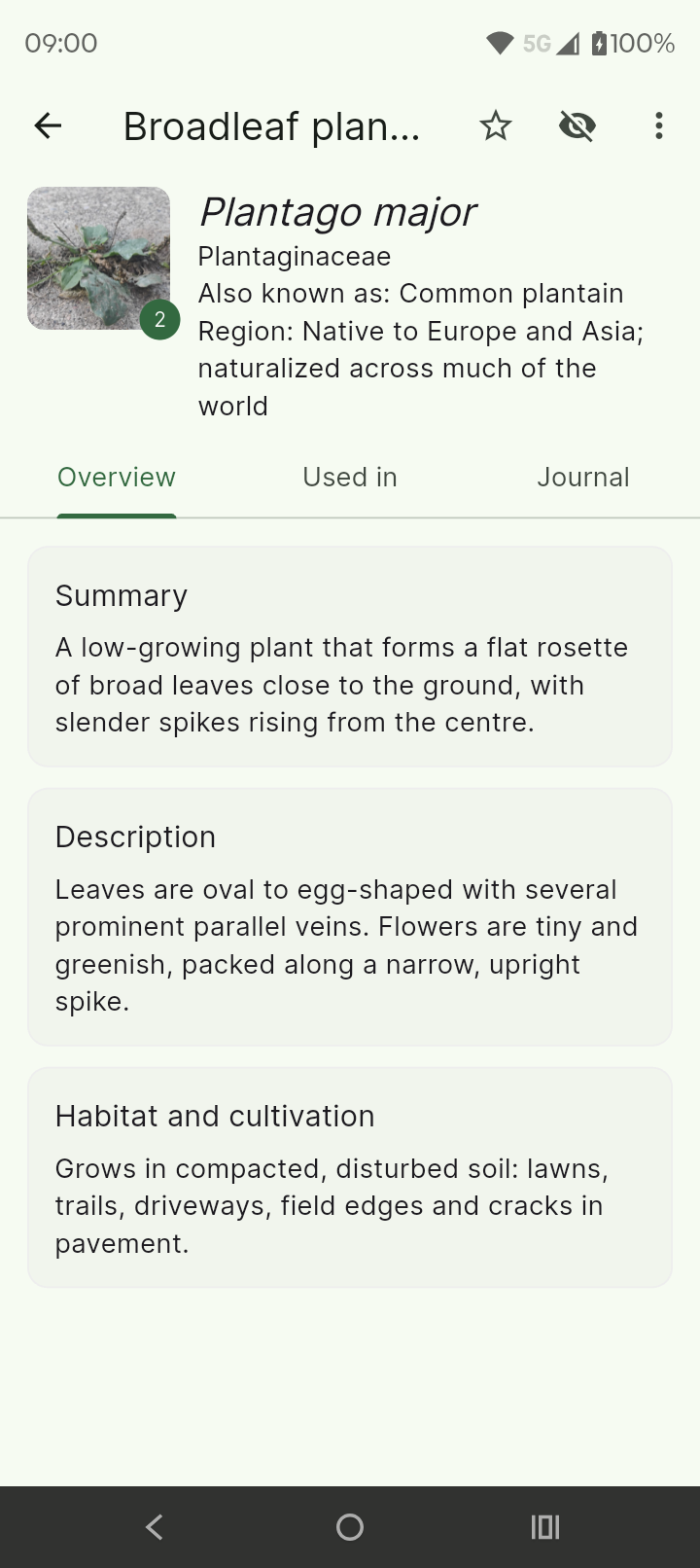
Keep a page for every herb with its common name, Latin name and family. Browse alphabetically or grouped by family, like the chapters of a printed book.
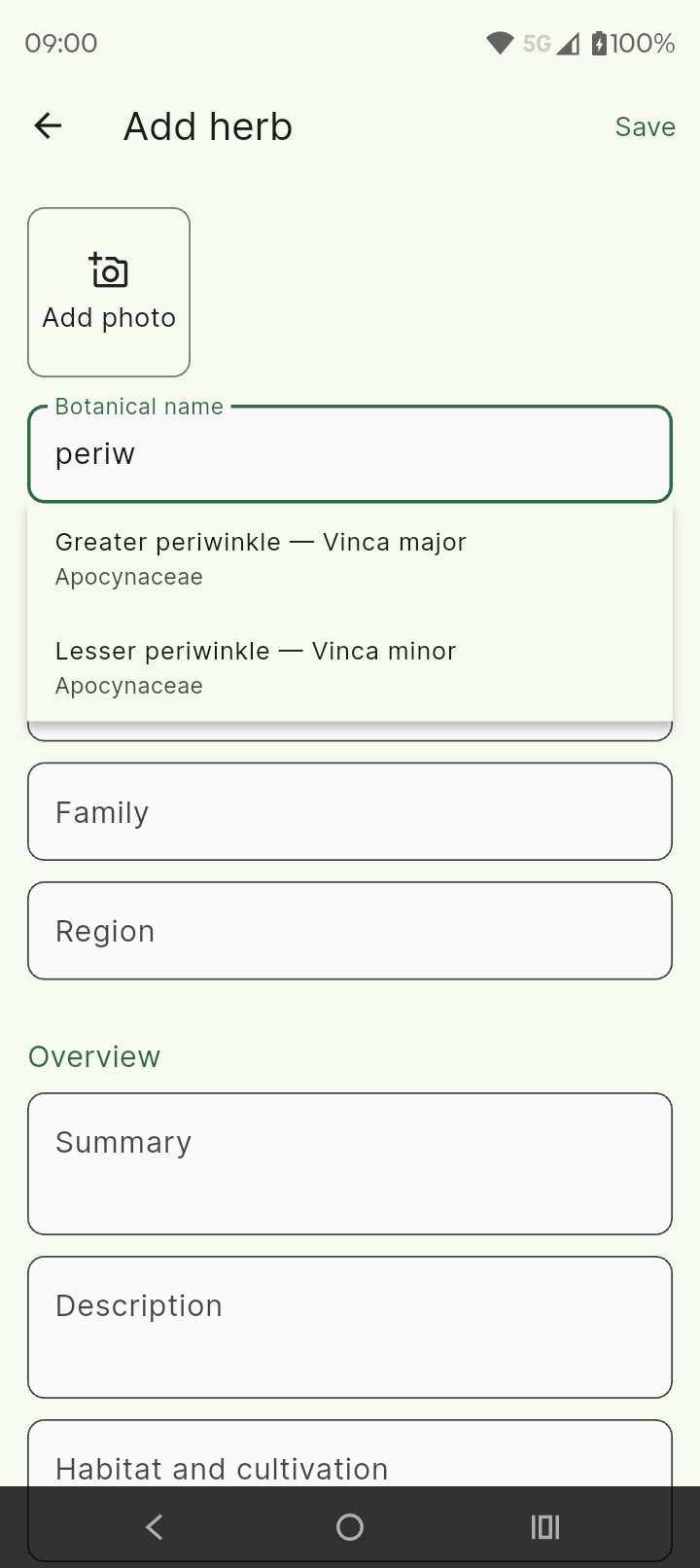
Start typing and the app suggests herb names and families from a built-in list of plant names. The list holds names only, never usage information.
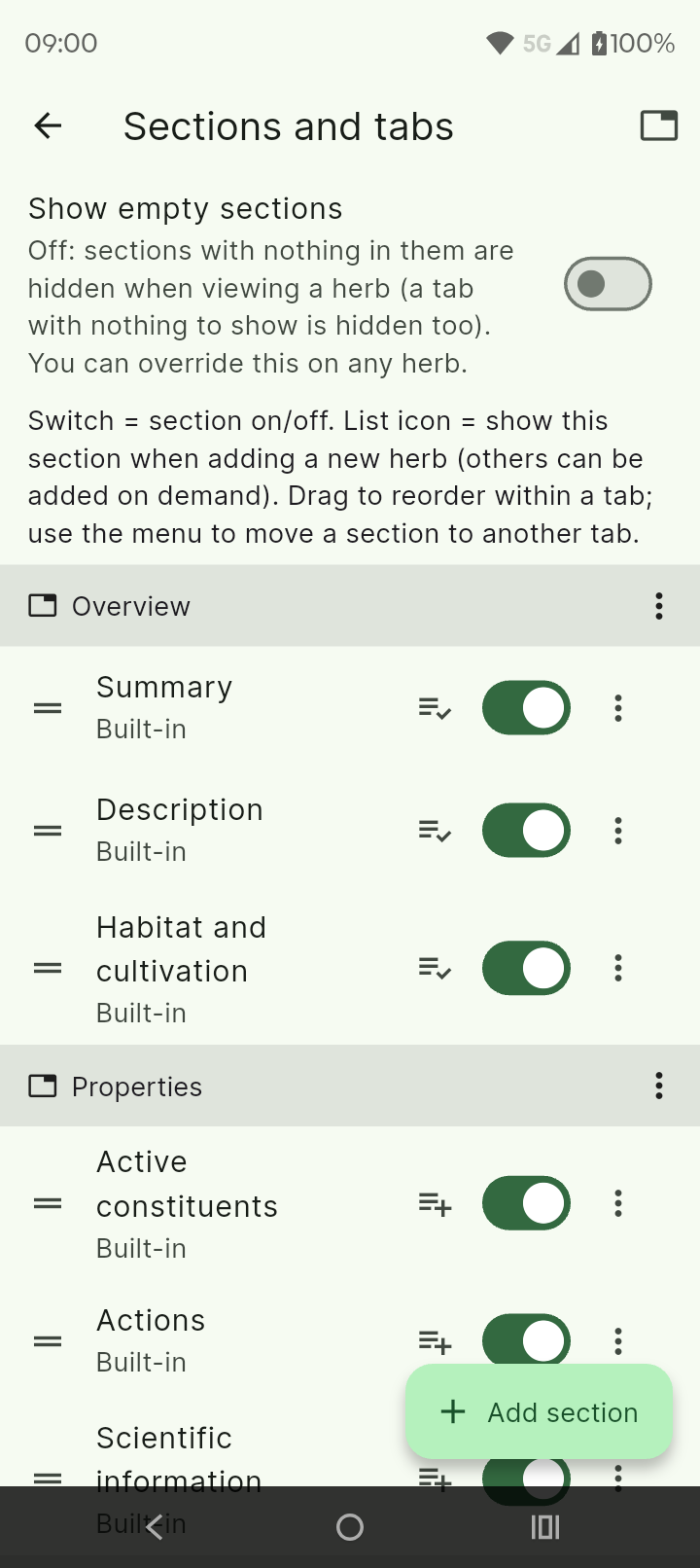
Turn sections on or off, reorder and rename them, add sections of your own and group them into tabs. Make a long entry easy to read, your way.
Add pictures from the camera, your gallery or Google Drive. Give every photo its own caption, and the first one becomes the herb's main photo.
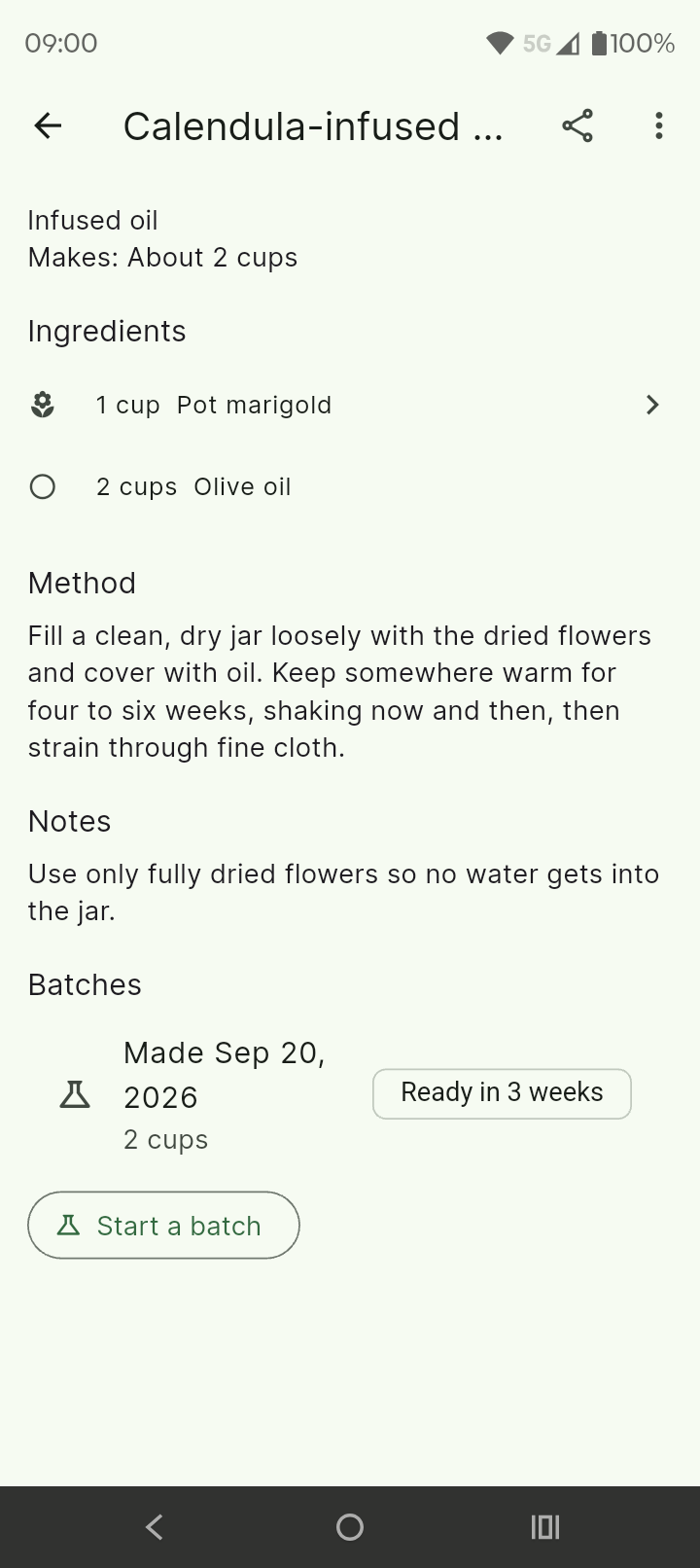
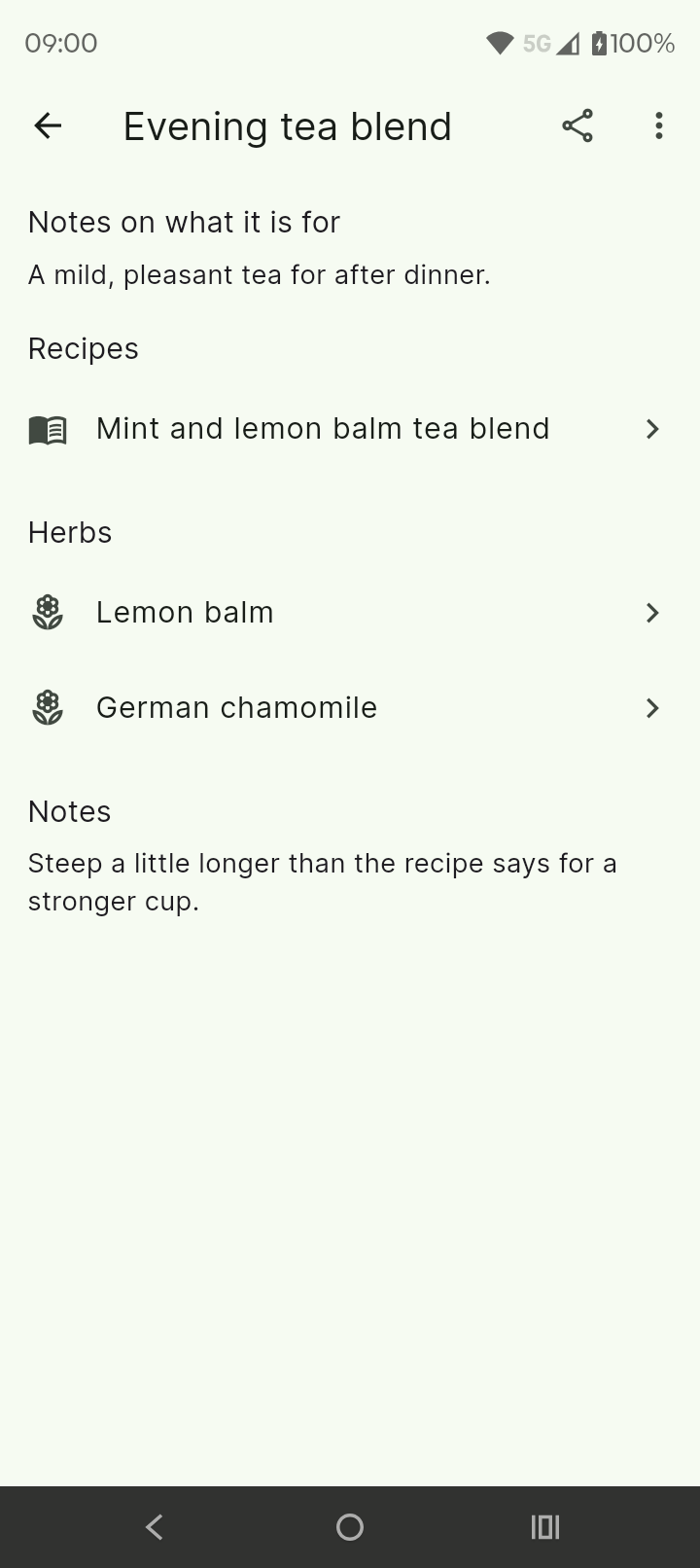
Record your recipes and link them to the herbs they use, so you can jump between them.
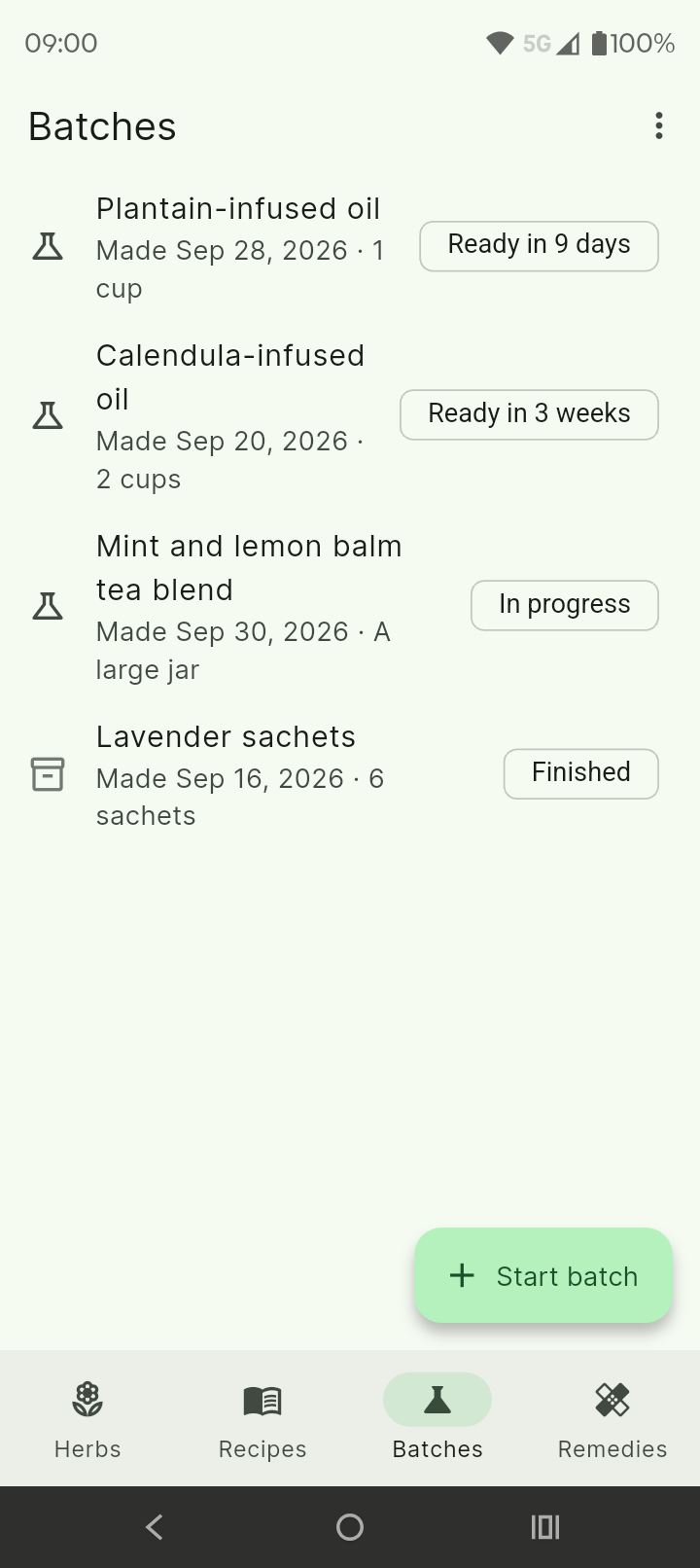
Log each batch you make and when. Optionally get a notification when a batch is ready, when a review date arrives, or when something on your shelf is near its best-by date.
Keep the remedies you record in one place, tied to their recipes and herbs. The pickers stay quick even with a thousand entries.
One search finds a word in herbs, every section and journal entry, recipes, batches, remedies, stock, suppliers, references and more. Narrow it to the parts you want, then tap a result to open it.
Label herbs, recipes, batches and remedies with your own colour-coded tags, and filter any list by them.
Track the herbs, preparations, equipment and supplies you keep, where each is stored, who you buy from, and what needs attention, such as a best-by date coming up. Stock links to your herbs and batches instead of copying them.
Give each batch its own code, a place it is kept, a review date and dated notes on how it looks and smells, and print a label for the jar.
Record the books and sites you use and rate how much you trust them, and keep safety notes you write yourself. The app supplies none.
A small built-in glossary of neutral terms that you can edit, extend or delete.
Prefer a keyboard? Download a Word or OpenDocument template, type your herbs and add your photos, then import the file. You see a preview first.
Print one herb, or several, from your phone, and print labels for batches and stock.
Send a single herb, recipe, remedy or your whole collection as a file, photos included, and open files others send you.
Back up everything, images included, and restore it on a new phone. Add a passphrase of your own to encrypt the backup file.
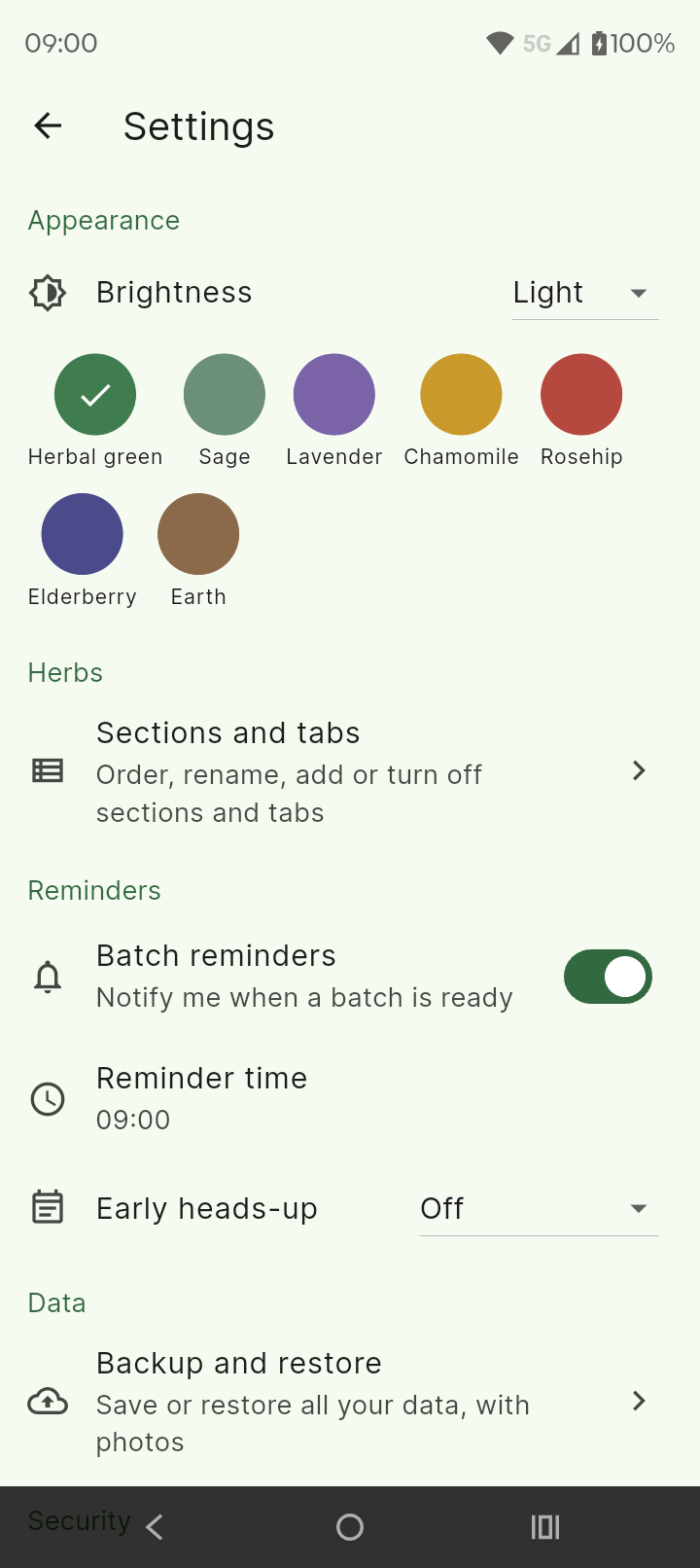
Seven colour themes, light or dark, and an optional PIN or biometric lock.
No account, no ads, no tracking, and no internet connection needed. Everything is stored on your device.