
A private inventory of everything you own: where it is, what it cost, what it is worth. On your phone, with no account.
Coming soon
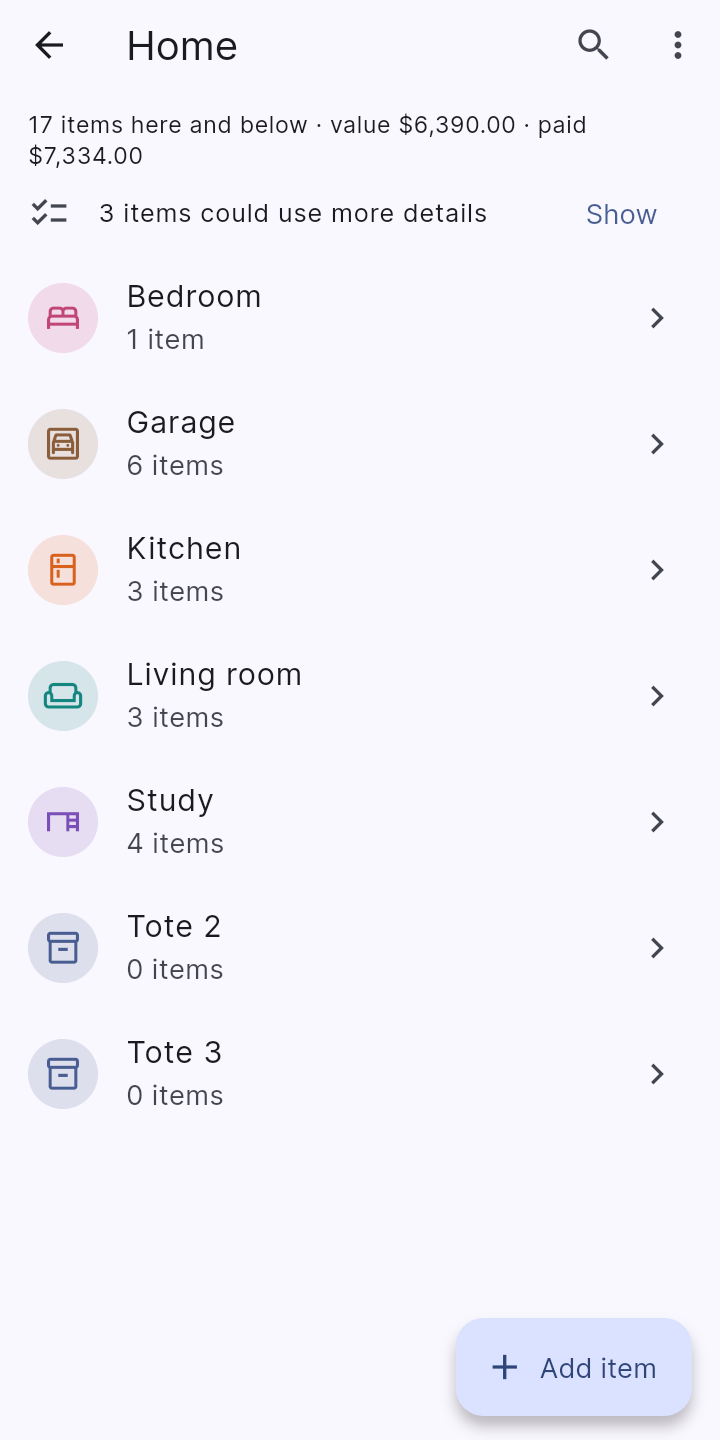
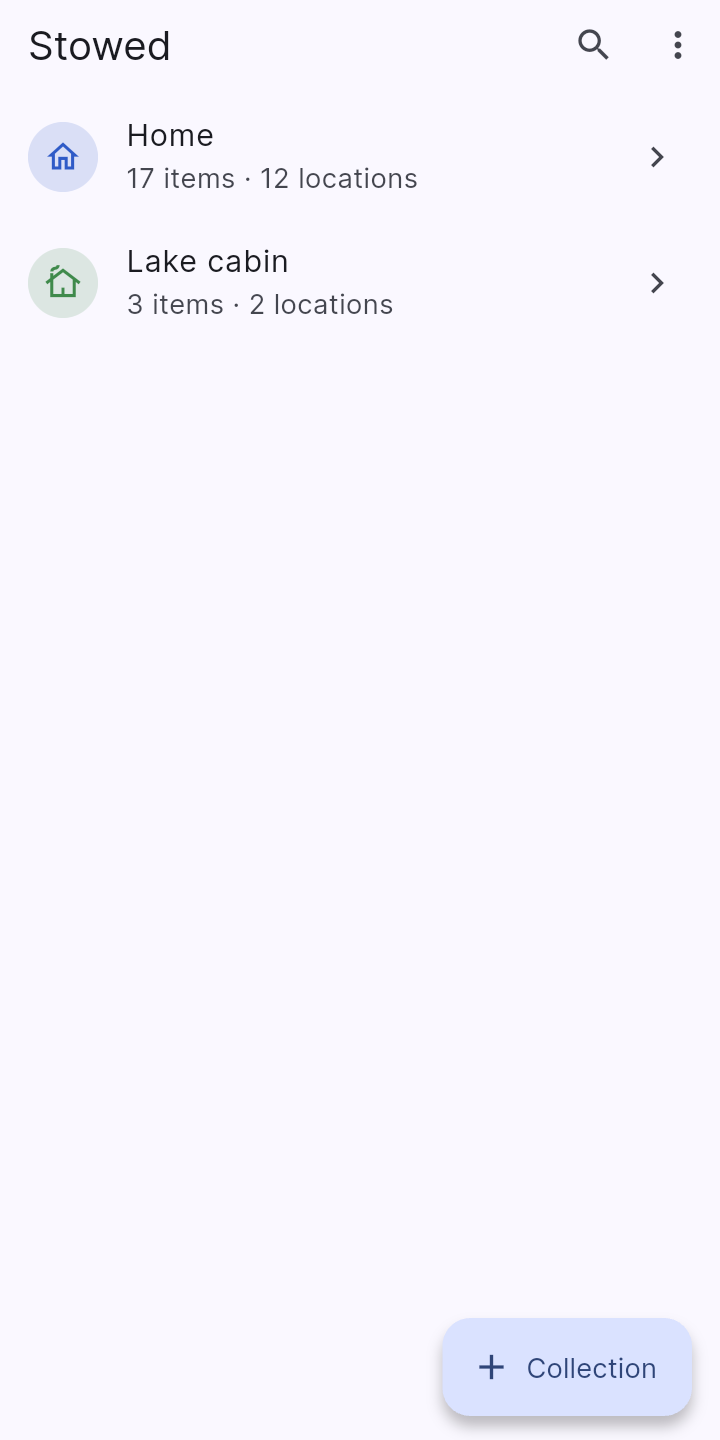
Keep separate inventories such as Home, Cabin or Shop, and nest locations inside them, like Study > Desk > Left drawer.
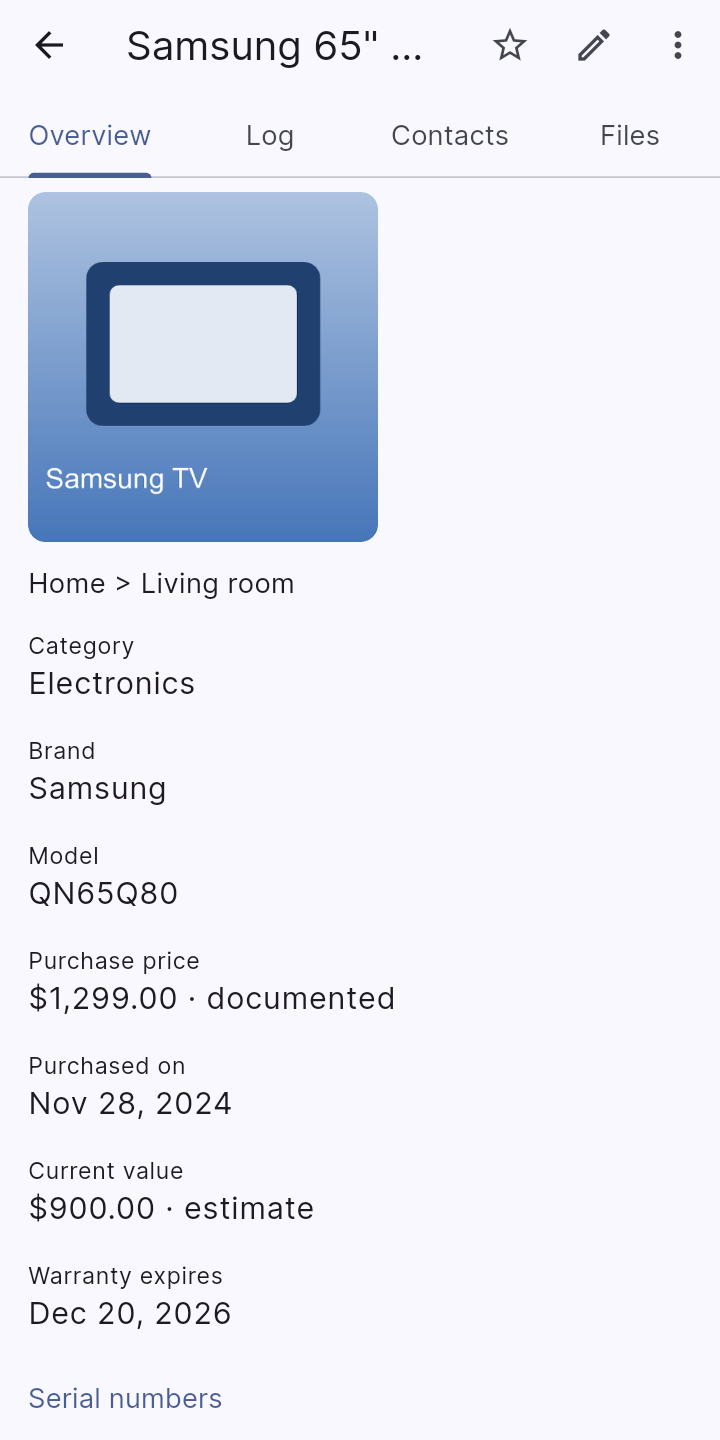
Name, category, quantity, status (in use, in storage, loaned, sold, gifted, lost), brand, model, several labelled serial numbers, condition, purchase and appraisal details, warranty date, tags and notes.
Add pictures from the camera, your gallery or Google Drive. The first photo becomes the item's cover.
Add fields of your own (text, number, date, yes or no, choice list, link) to every item in a collection, or start from a ready-made template.
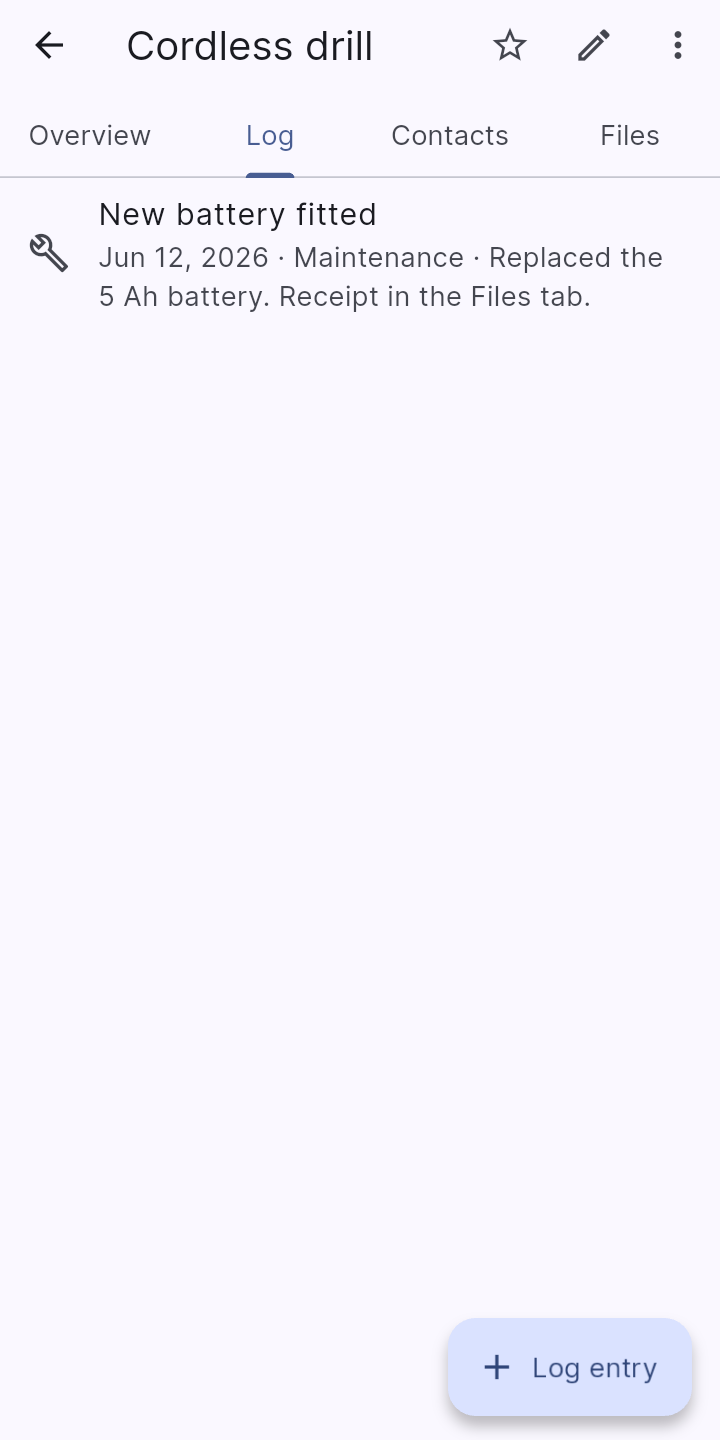
A dated log of maintenance, repairs, loss, claims, appraisals and loans, with photos, attached receipts and manuals, and the people involved.
People and businesses shared across your collections, linked to items and log entries with a role such as Purchased from or Serviced by.
Mark a price or a value as documented, an estimate or a rough guess, so you and anyone reading a report know how far to trust it.
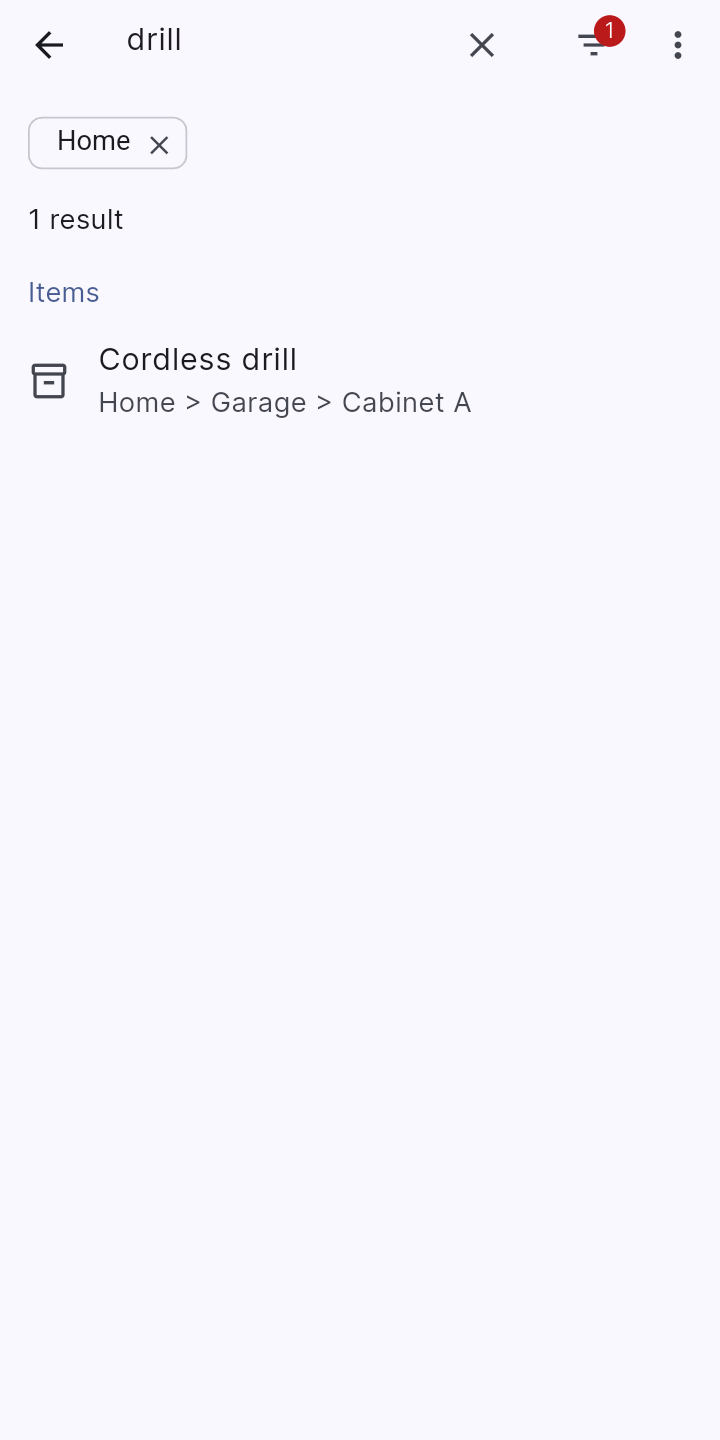
One search across items, locations, log entries and contacts. Filter by category, status, tags, place or custom field, and see value and price totals by collection, location and category.
Optional notifications for warranty expiry and for dates you set on a log entry. They are scheduled on your phone, not sent from a server.
A separate location password hides the locations or collections you choose until you enter it. An optional PIN can be required to open the app at all.
Your data and photos are encrypted on the device at all times, with a key that never leaves it. Screenshots can be blocked.
Make a backup file protected by a password you choose. Restoring replaces everything only after saving a safety copy you can undo, or you can compare a backup with your phone first, bring back items you deleted, or restore one collection as a separate copy.
Export a collection to a CSV file for Excel or Google Sheets, or import a spreadsheet with a column-matching preview before anything is added.
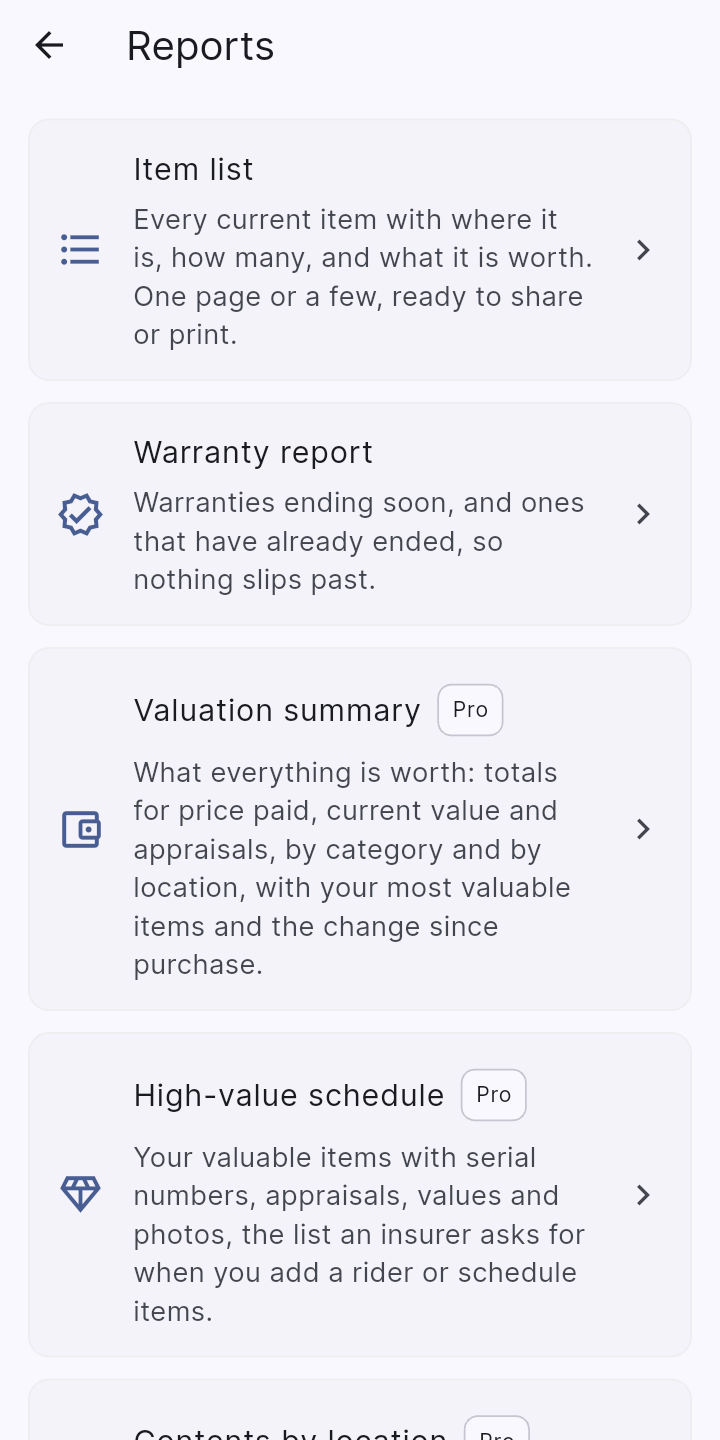
Make a printable item list, and a warranty report showing what ends soon and what has already ended, ready to share or print.
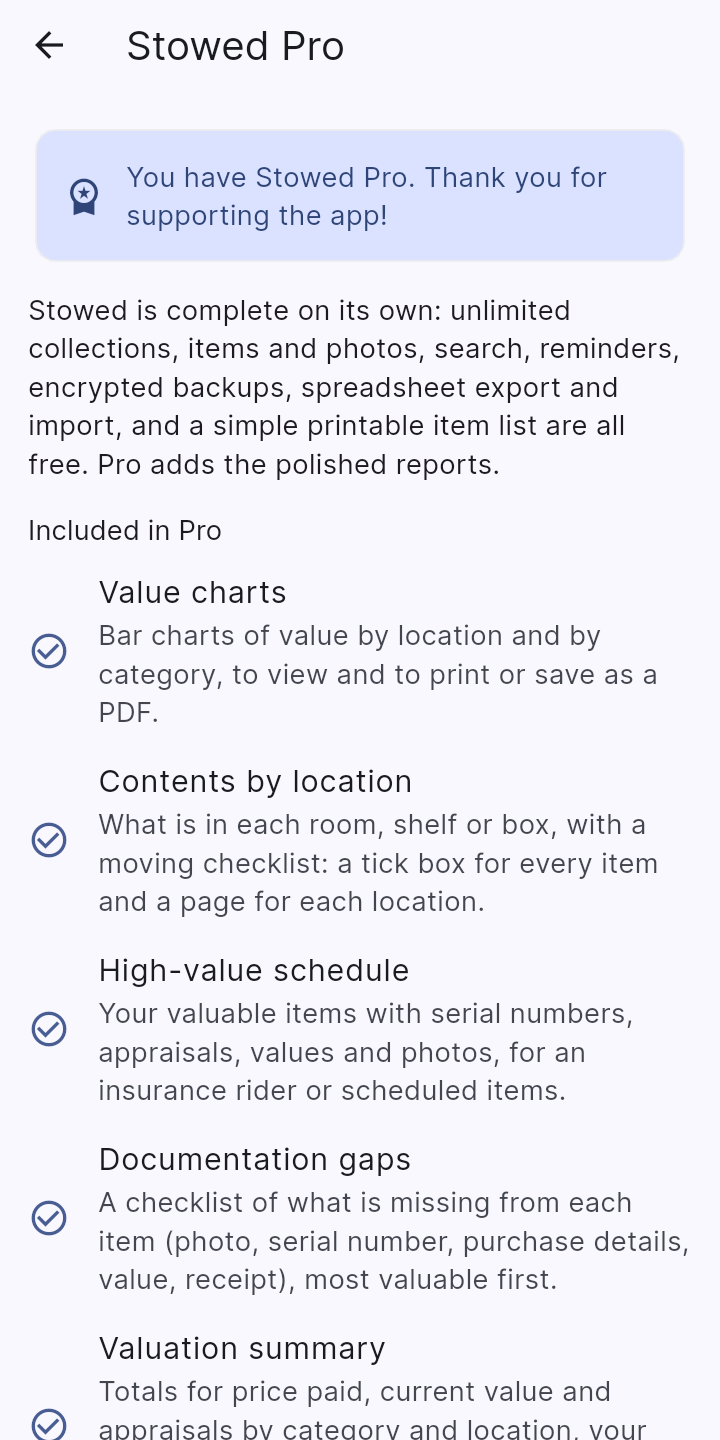
Stowed is free to download and use. Stowed Pro is an optional one-time purchase of $3.99 inside the app (Google Play shows the price for your country), and it unlocks the extra reports, box labels and automatic backups. The extra reports are laid out for insurance claims, moves and household records.
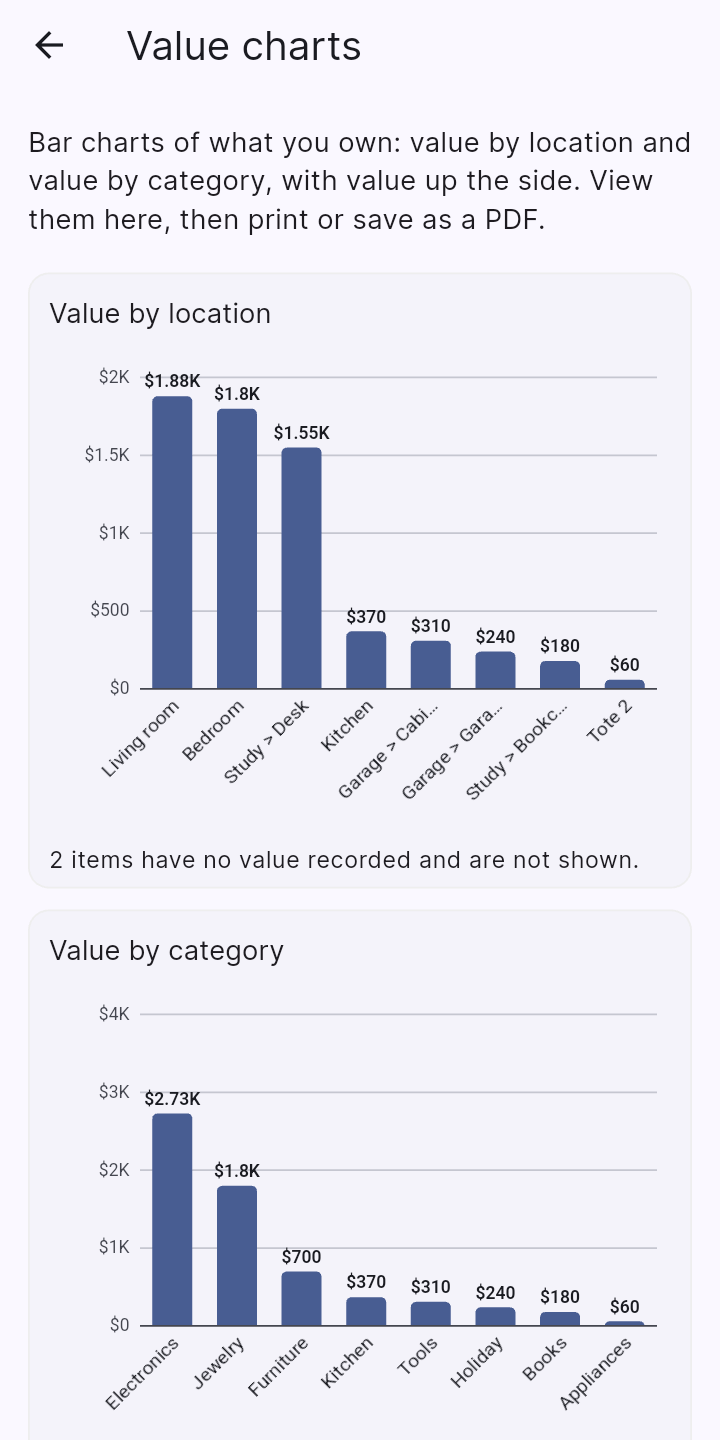
Bar charts of value by location and by category, to view and to print or save as a PDF.
What is in each room, shelf or box, with a moving checklist: a tick box for every item and a page for each location.
Your valuable items with serial numbers, appraisals, values and photos, for an insurance rider or scheduled items.
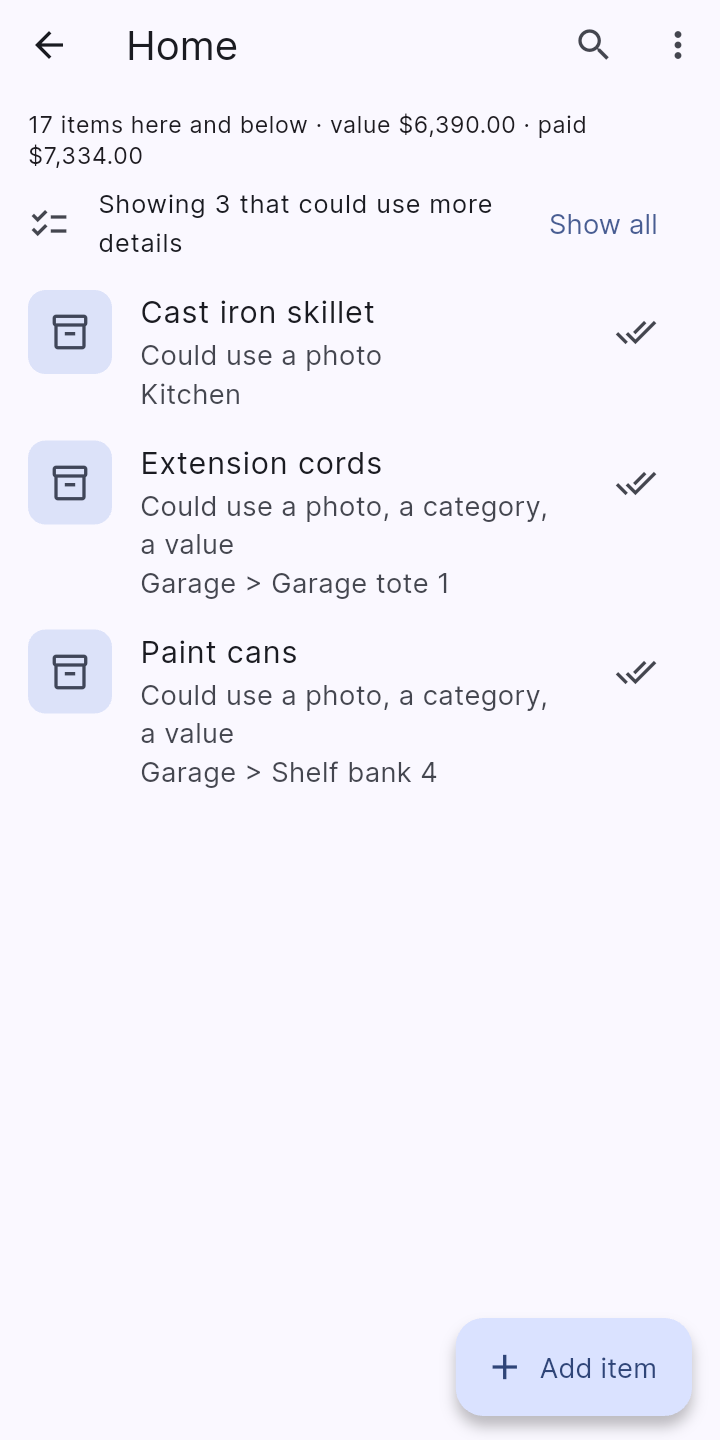
A checklist of what is missing from each item (photo, serial number, purchase details, value, receipt), most valuable first.
Totals for price paid, current value and appraisals by category and location, your most valuable items, and the change since purchase.
Photos, serial numbers, purchase details and totals by location, in a PDF laid out for insurance or a household record.
Details, larger photos and the full history of every item.
Limit a report to a location, categories or tags.
A stand-alone PDF for one item.
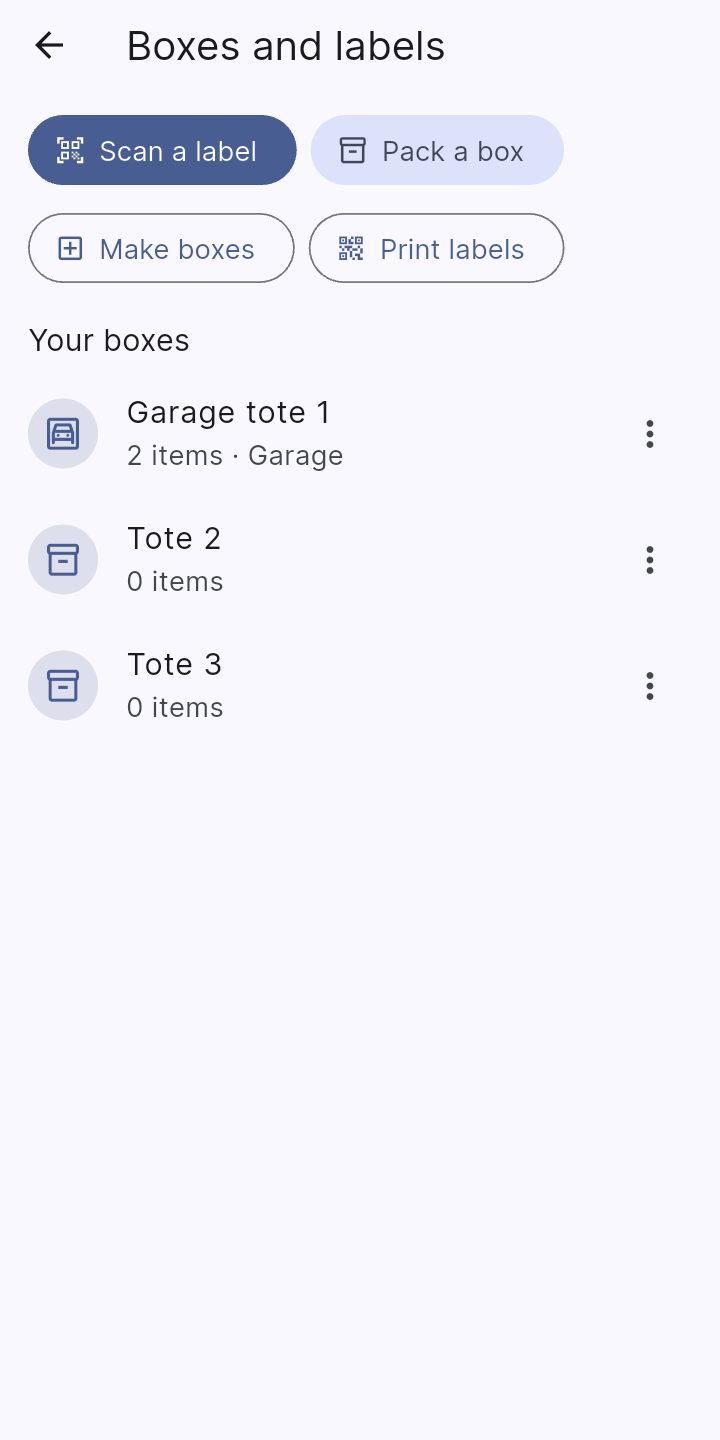
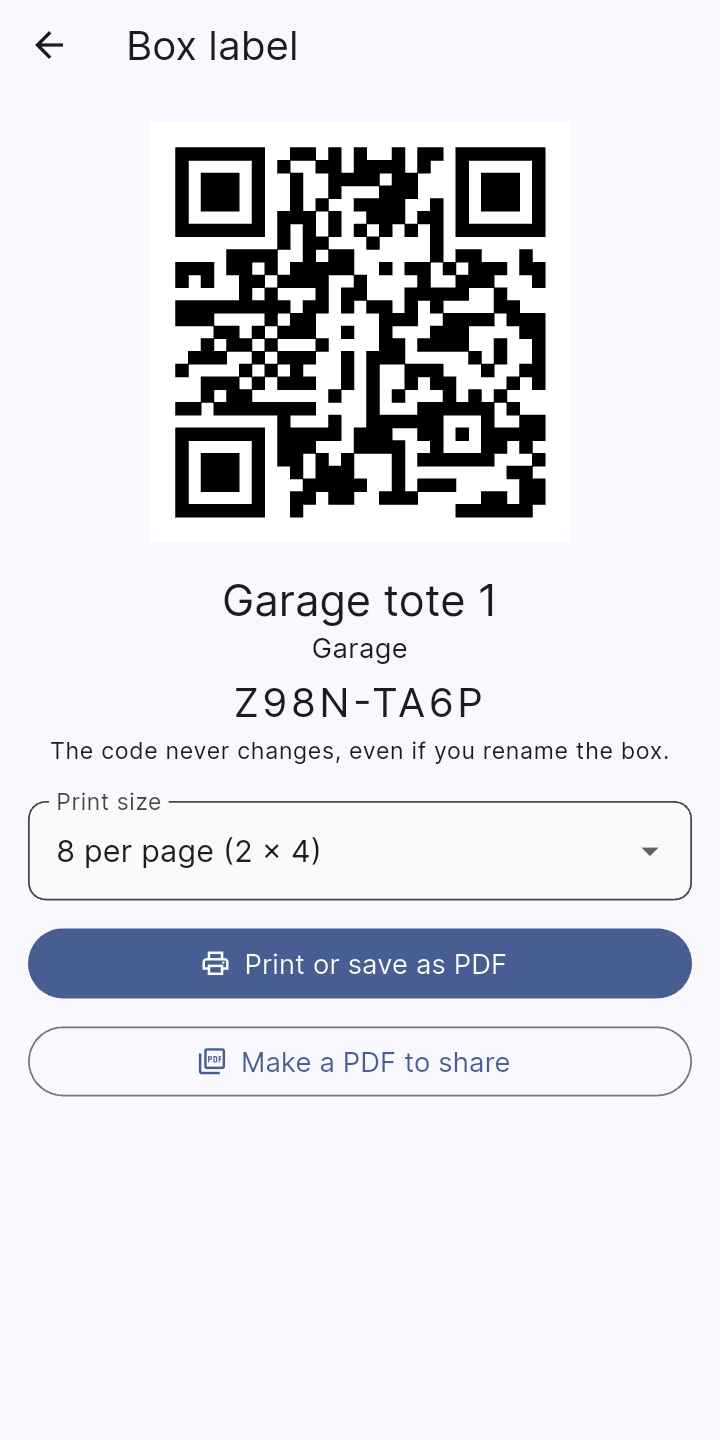
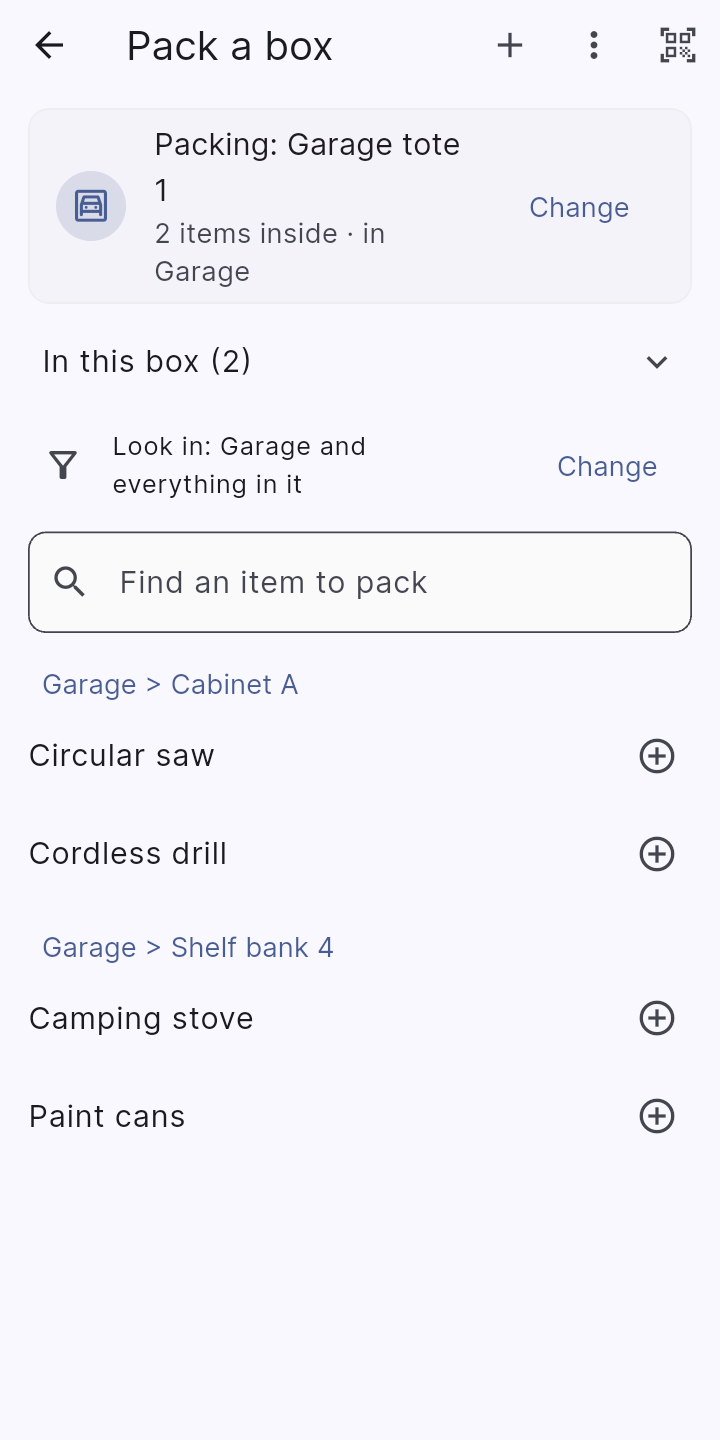
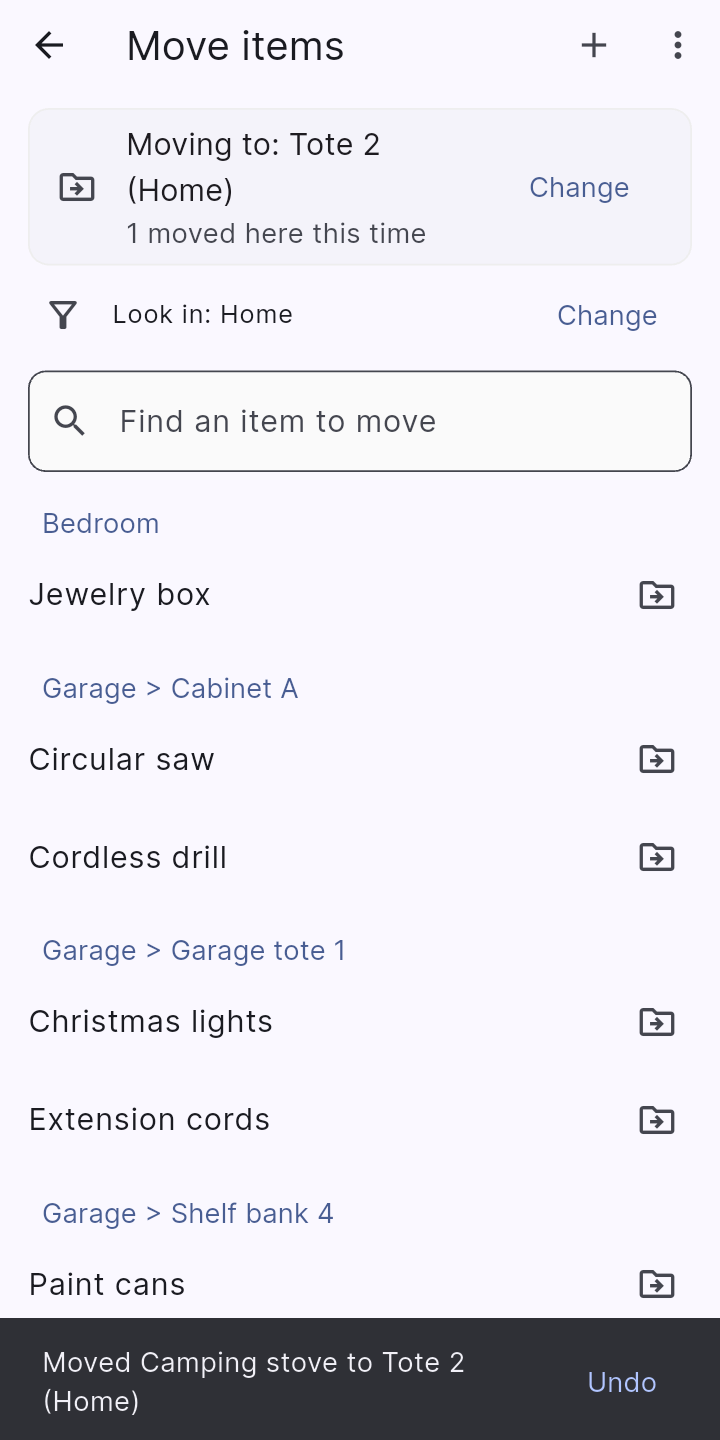
Name your boxes, totes and containers, print a QR label for each, scan it to see what is inside, and pack and unpack items in seconds.
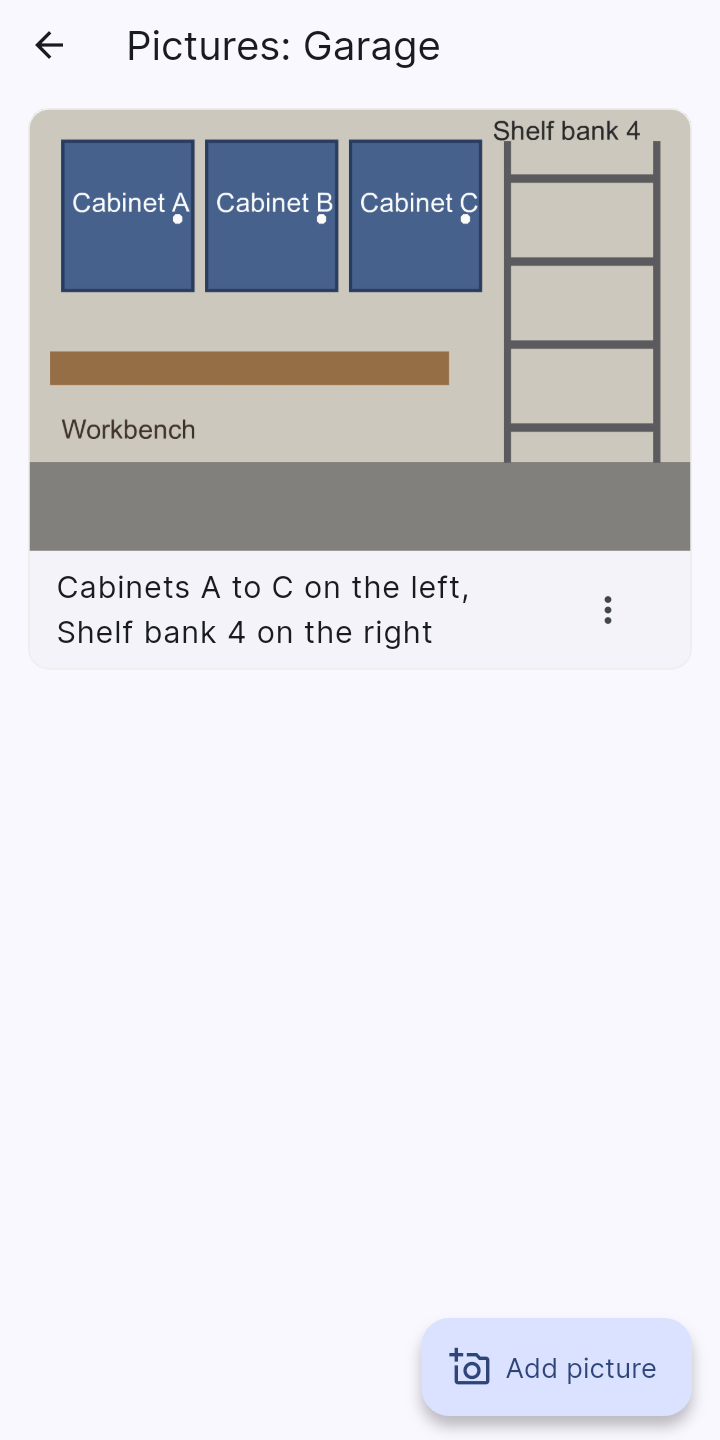
A photo or two of a place, such as a garage wall of cabinets and shelves, with a caption saying which is which ("Cabinet A", "Shelf bank 4").
Stowed saves an encrypted backup to a folder you choose, on your phone, an SD card or Google Drive, when something has changed, and keeps the latest few.
Everything is stored on your phone. There is no account, no server, no ads and no tracking, and nothing is sent to us.
Backups, spreadsheets and PDFs are made on your phone and go only where you send them. Backups are protected by a password you choose.