
Stowed User Manual, chapter 5 of 11
← Moving itemsContentsHistory, contacts, reminders and custom fields →
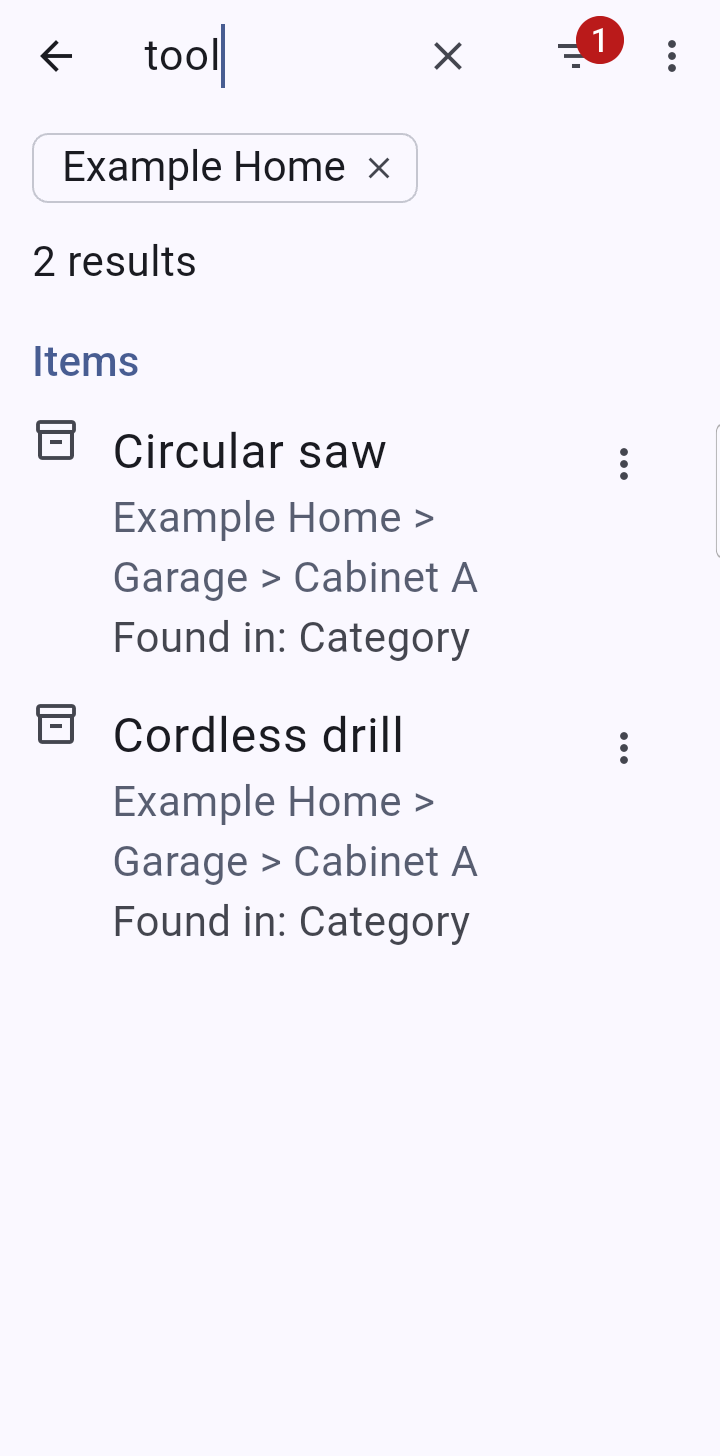
The search icon searches items, locations, log entries and contacts at once, including serial numbers (spaces and dashes are ignored). Results are grouped, and each result says where the words were found. Location paths show in a different color so you can see at a glance where something lives. Items in locked places never appear until the locked places are showing.
Each item in the results has a three-dot menu with Move to… and Delete….
Finding either of several things. Put a comma between searches and Stowed finds items that match any of them: camping, fishing, hiking finds the gear for all three trips in one list. Words within one part still all have to match, so red tent finds things with both words. An item that matches more than one part is listed once.
Tag names are searched too: a matching tag is listed with how many items carry it, and tapping it shows those items. Tags are edited in Settings > Tags, where you can rename, recolor, merge or delete them. With Pro, a tag can also be made private (see Locks, PIN and private tags).
The filter button narrows the item results by collection, status, category, tags, location or a custom field. With only filters set (no words typed) you get a plain list of the items that match. When you pick two or more tags, a switch chooses whether items need all of them or any one of them.
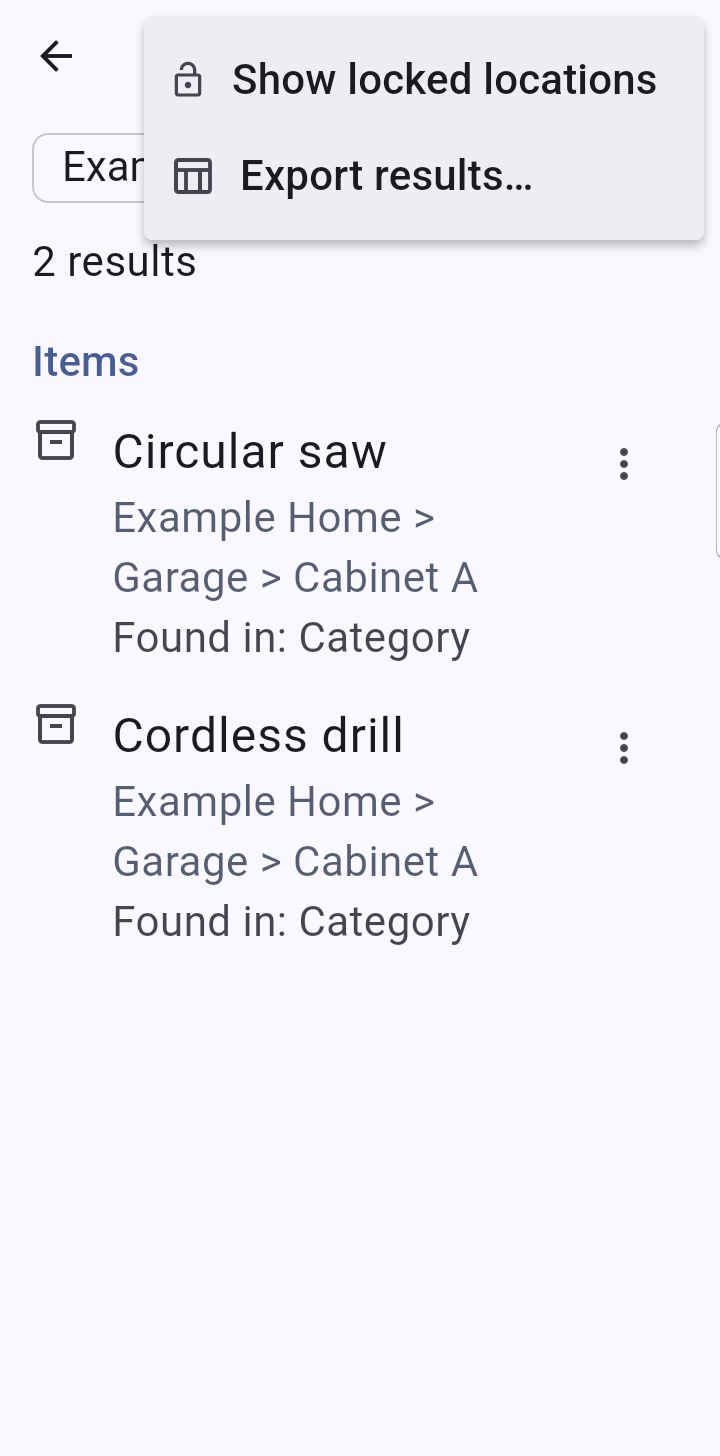
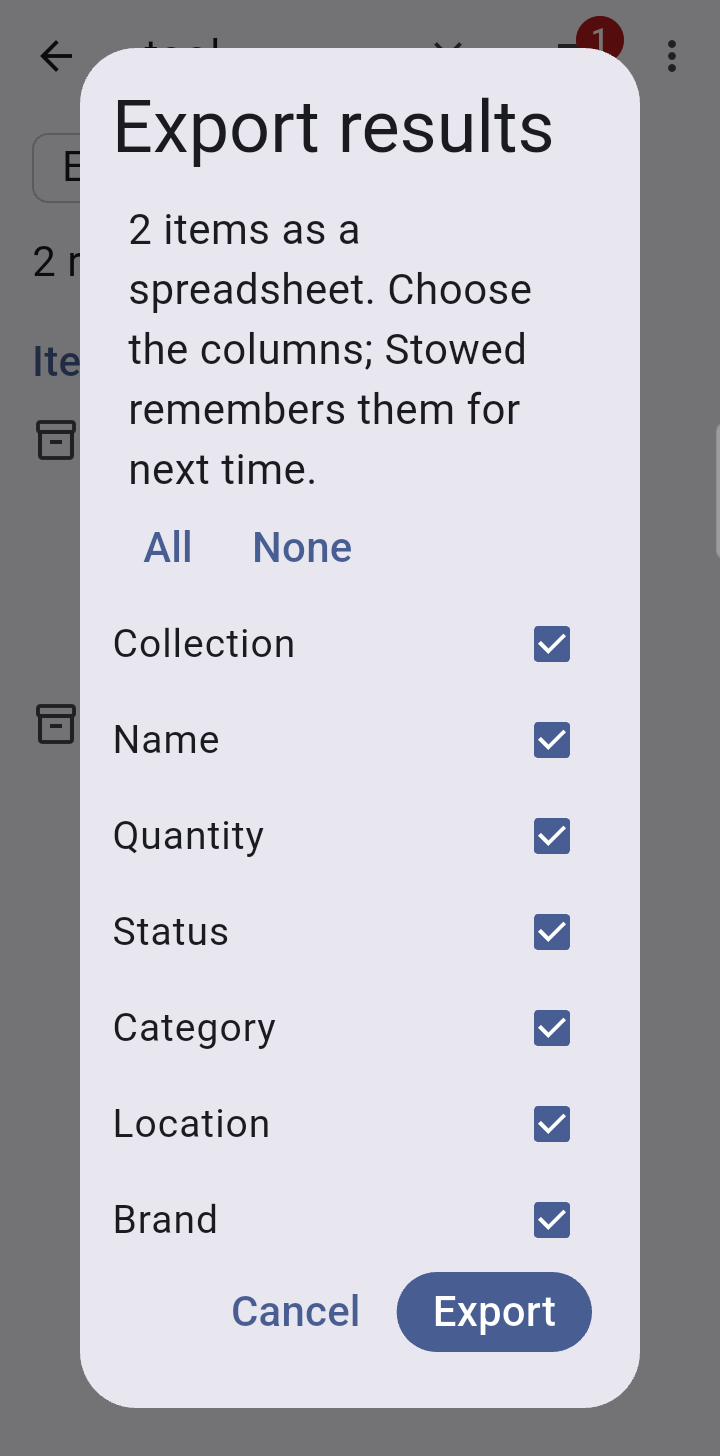
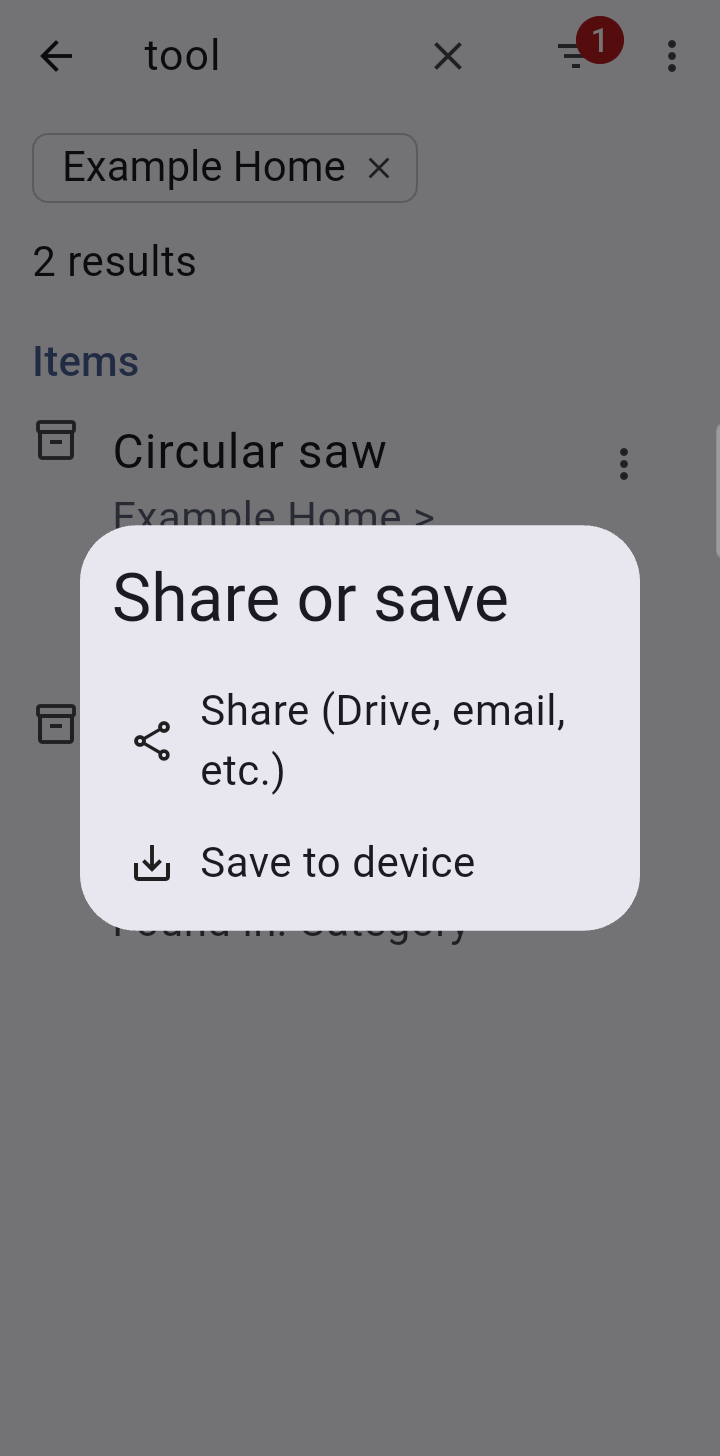
The search screen's menu > Export results makes a spreadsheet of the items found. A dialog asks which columns to include (collection, name, location, category, serial numbers, value and so on); your choice is remembered for next time. Then you can share the file or save it to the phone.
Say you are packing for a camping trip and the gear is tagged camping and spread over several places. Search for camping (or camping, fishing), then use the search screen's menu > Checklist for NoteMagic…. Stowed makes a checklist for NoteMagic, our notes app, with a section for each place the items are kept, named by the full location (Garage > Shelf 2), so you can gather everything from one place at a time. The places are in alphabetical order, the items in each are by name, and items with no location go last under No location. Each item appears once, every box starts unticked, and the last line says when it was exported.
In a collection's menu, Totals shows the value and the price paid, overall and by category and location. Sold, gifted and lost items are left out, and so are items in locked places while they are hidden.
Each category row also shows how many items and units are in it, and tapping a category lists its items.
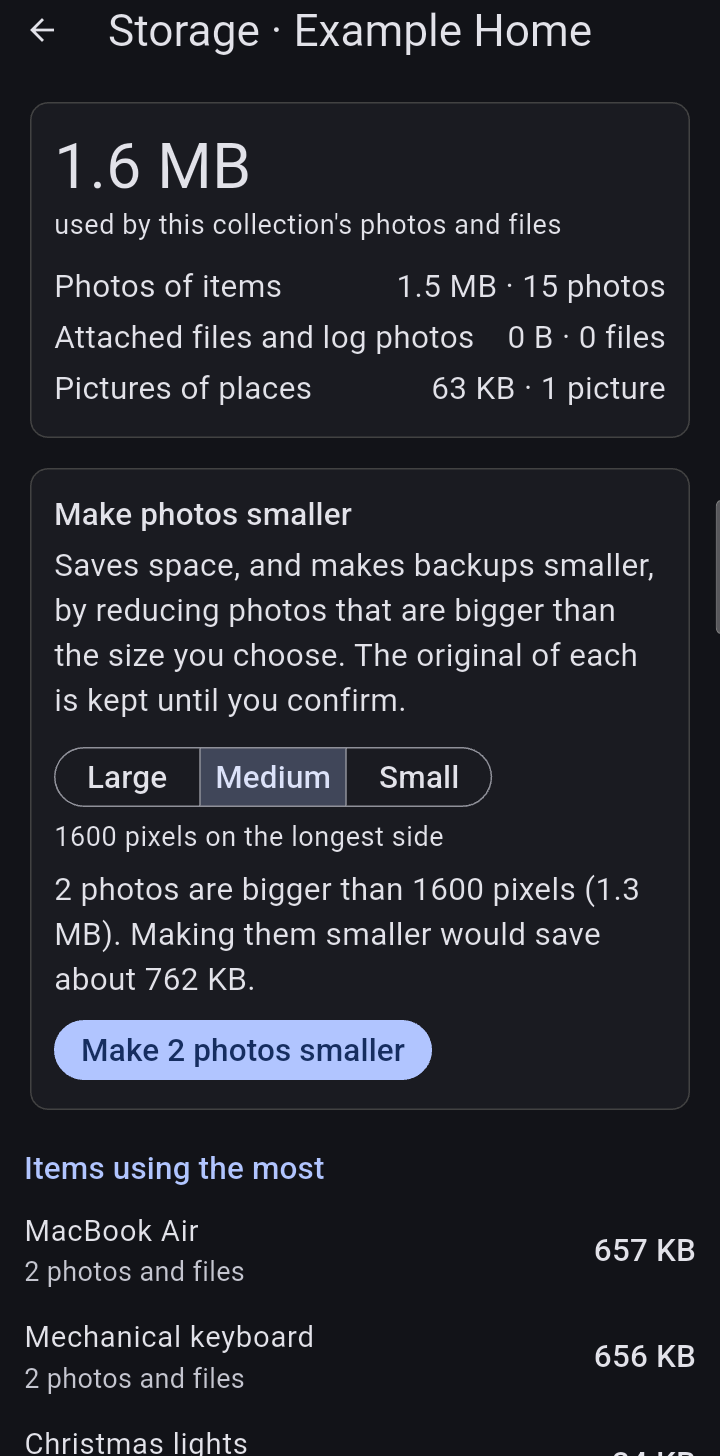
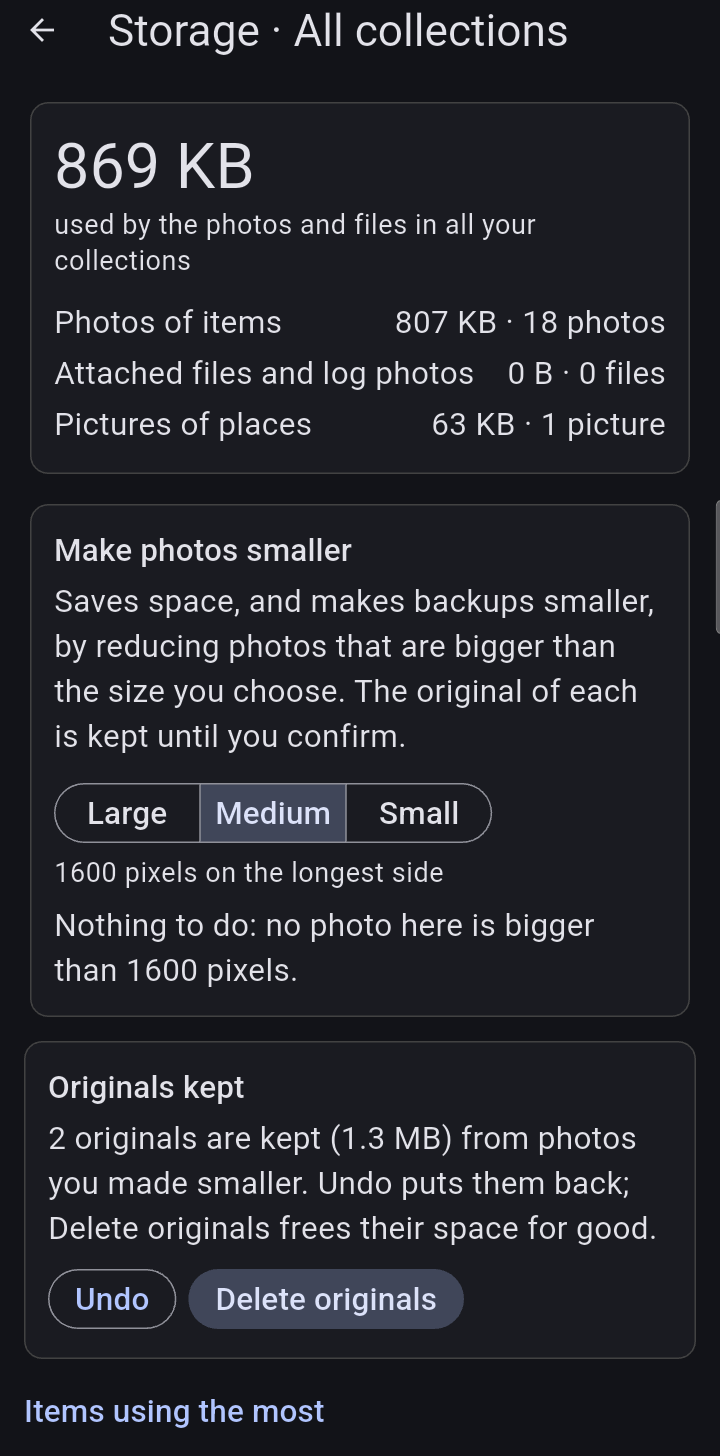
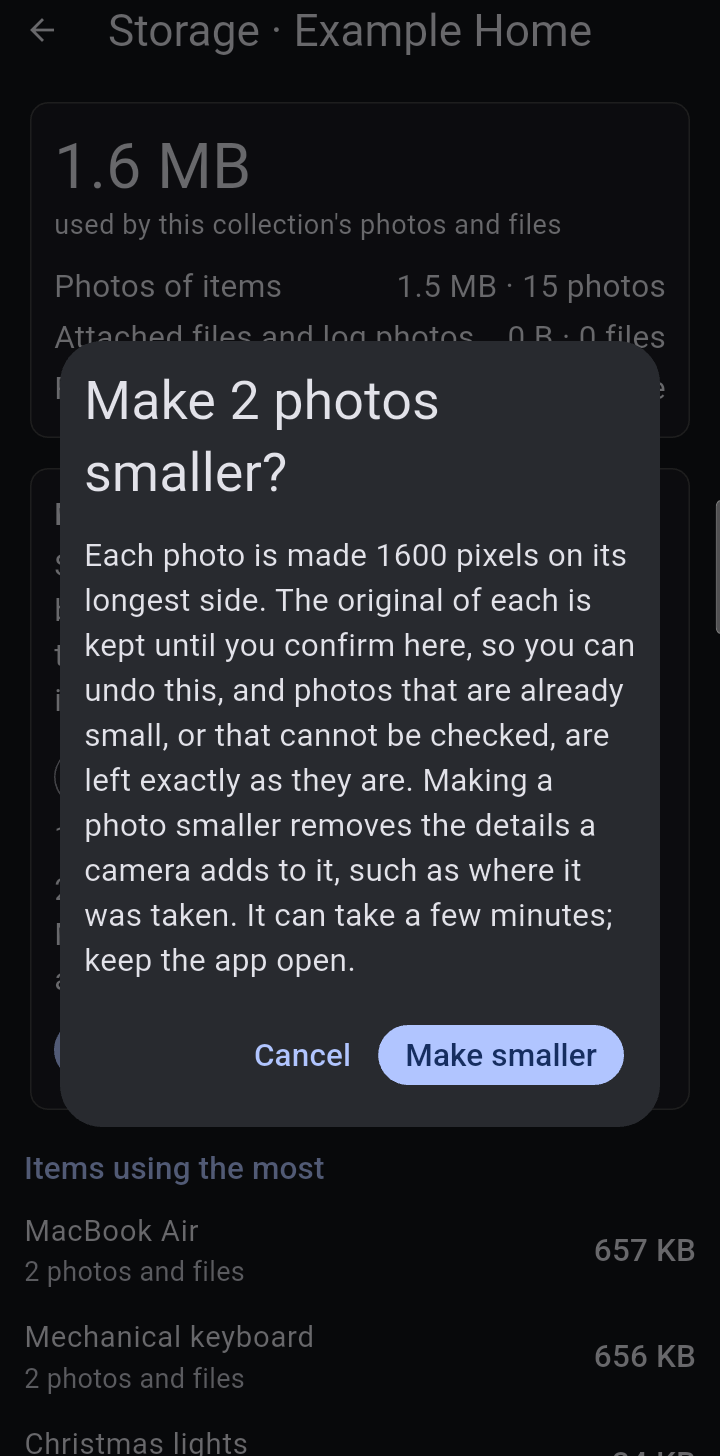
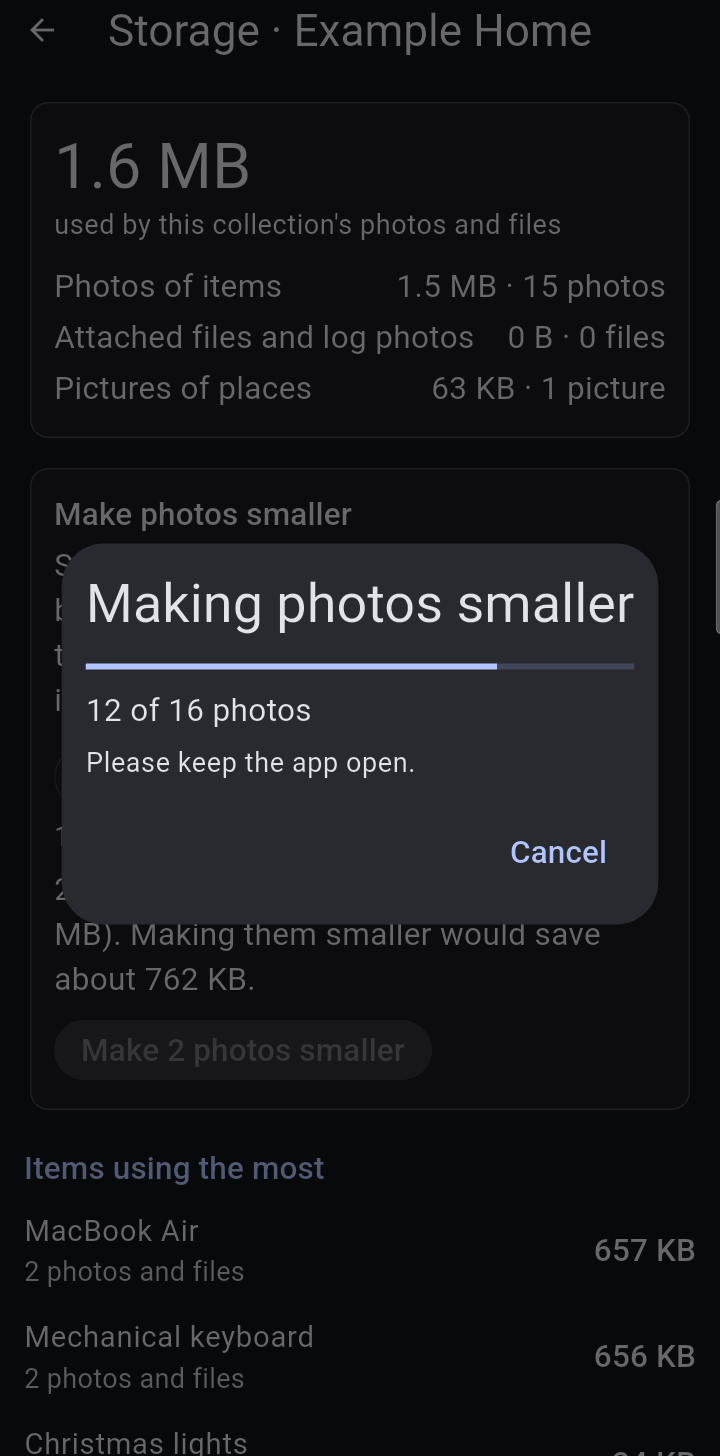
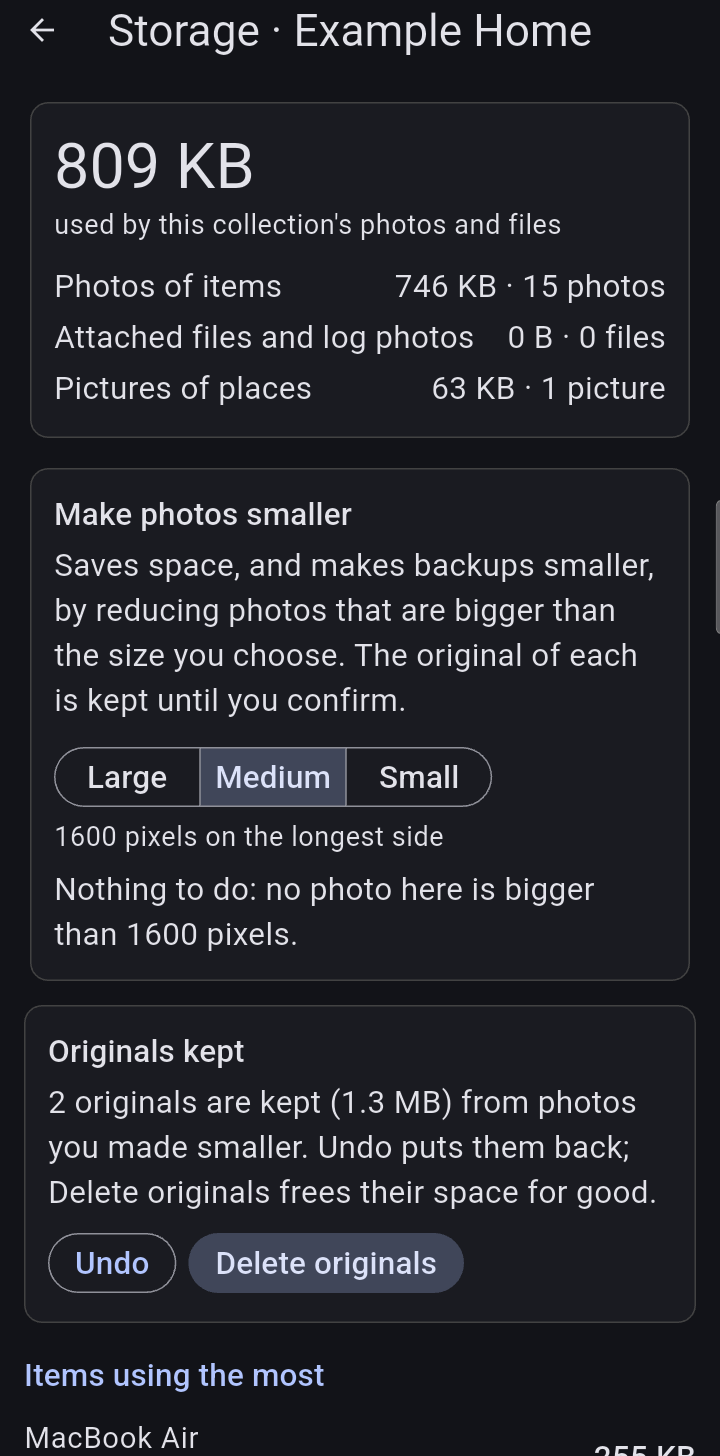
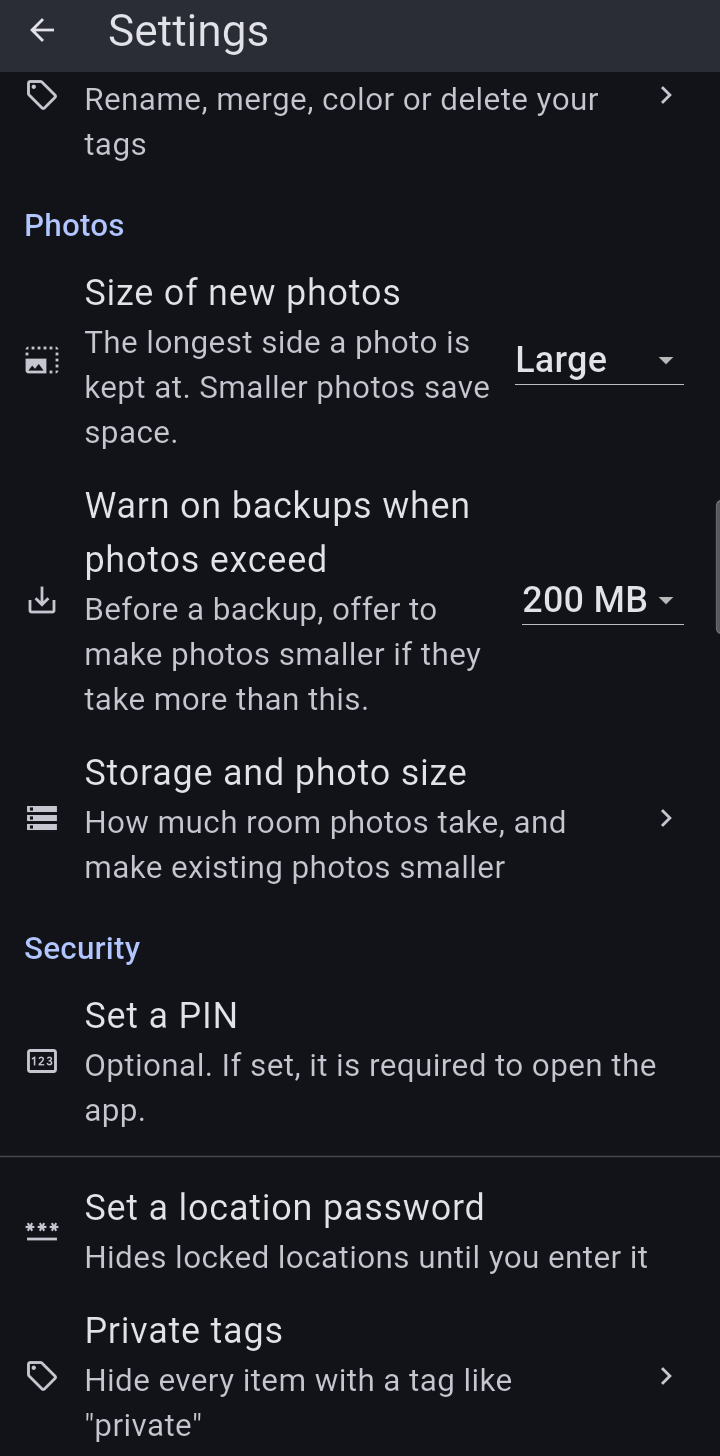
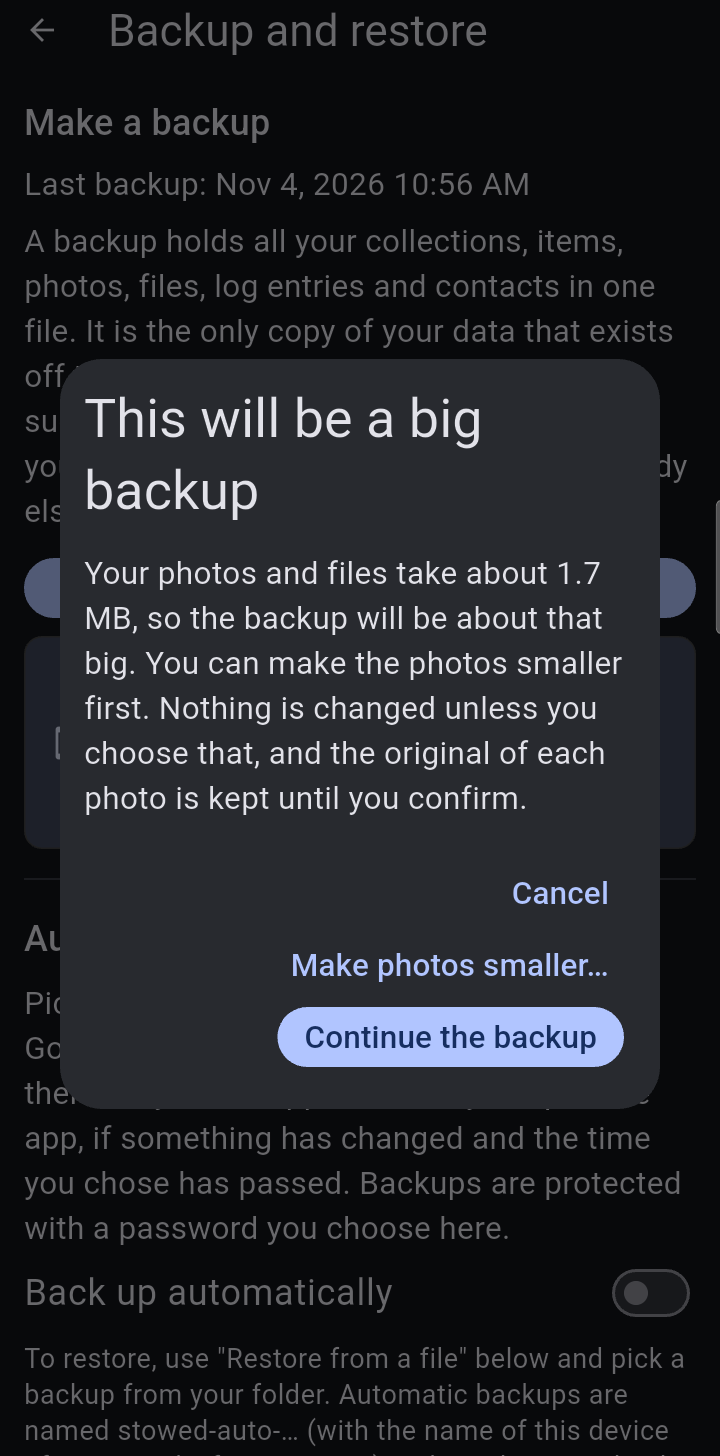
A collection's or place's menu > Storage used shows how much room its photos, attached files and pictures of places take on this device, and the items using the most. The records themselves are tiny; photos are almost all of it. A backup includes all of those files, so it is about the same size. Settings > Storage and photo size shows the same for all your collections together.
← Moving itemsContentsHistory, contacts, reminders and custom fields →