
Stowed User Manual, chapter 10 of 11
← More than one deviceContentsStowed Pro, tips and getting help →
In a collection's menu choose Advanced… > Export and import. Export makes a CSV file (one row per item) for Excel or Google Sheets. Import reads a CSV file, matches its columns to Stowed's fields (you can change any match), shows what will happen, and adds the items in one step. It never changes items you already have, and items that look the same as ones you have are skipped unless you say otherwise.
To export just what you have found, search for it and use the search screen's menu > Export results; see Finding things.
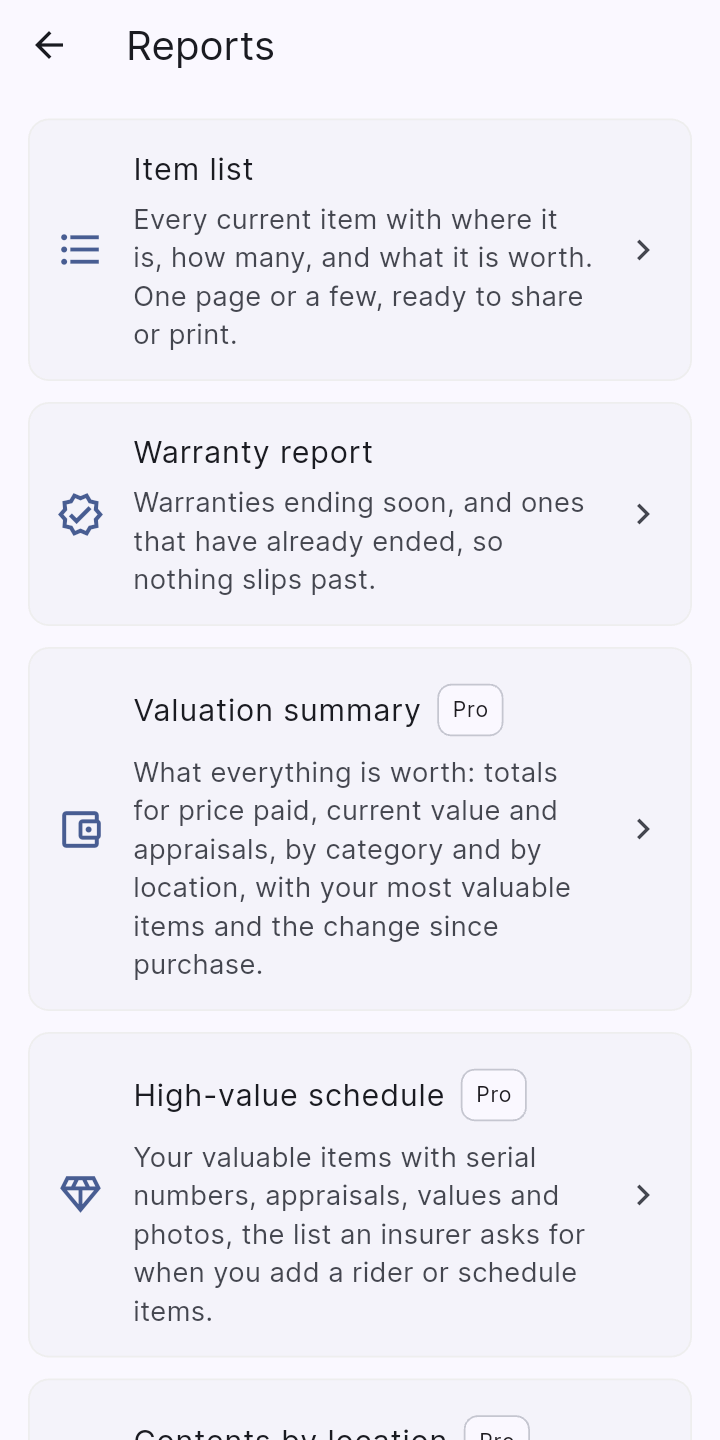
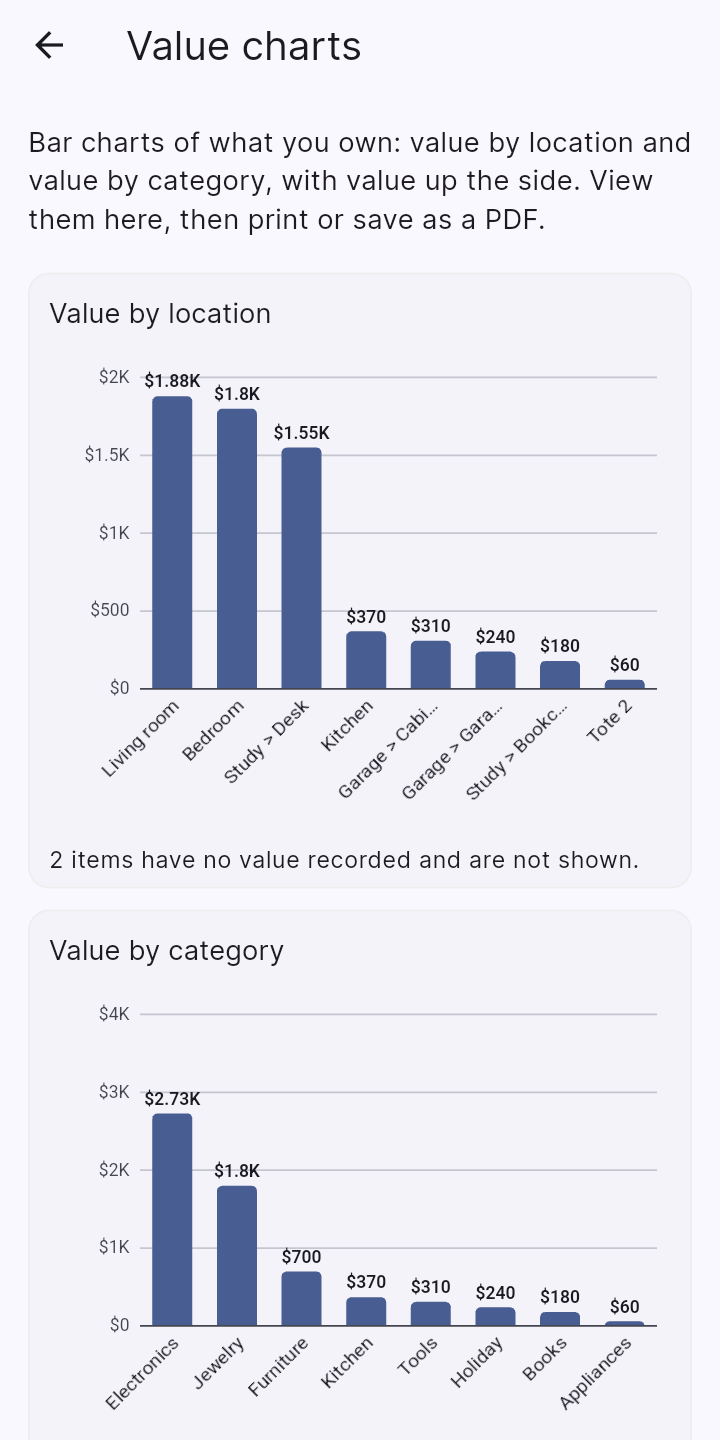
In a collection's menu choose Reports. Each report has its own options, then Make a PDF to share or Print or save as PDF.
Items in locked places, and items with private tags, are left out unless they are showing when you make the report. A PDF is not password protected, so think about where you send it. Printing may send a document to a printer or print service you pick, under that service's own privacy policy.
← More than one deviceContentsStowed Pro, tips and getting help →